Learn n8n workflow automation with a practical guide to setup, templates, AI agents, troubleshooting and production safeguards.
Human reviewedUpdated Aug 16, 2026Source-aware guidance
AI Rockstars guide
n8nUnderstand → Compare → Apply
WorkflowsAPIsAgents
n8n in one minute
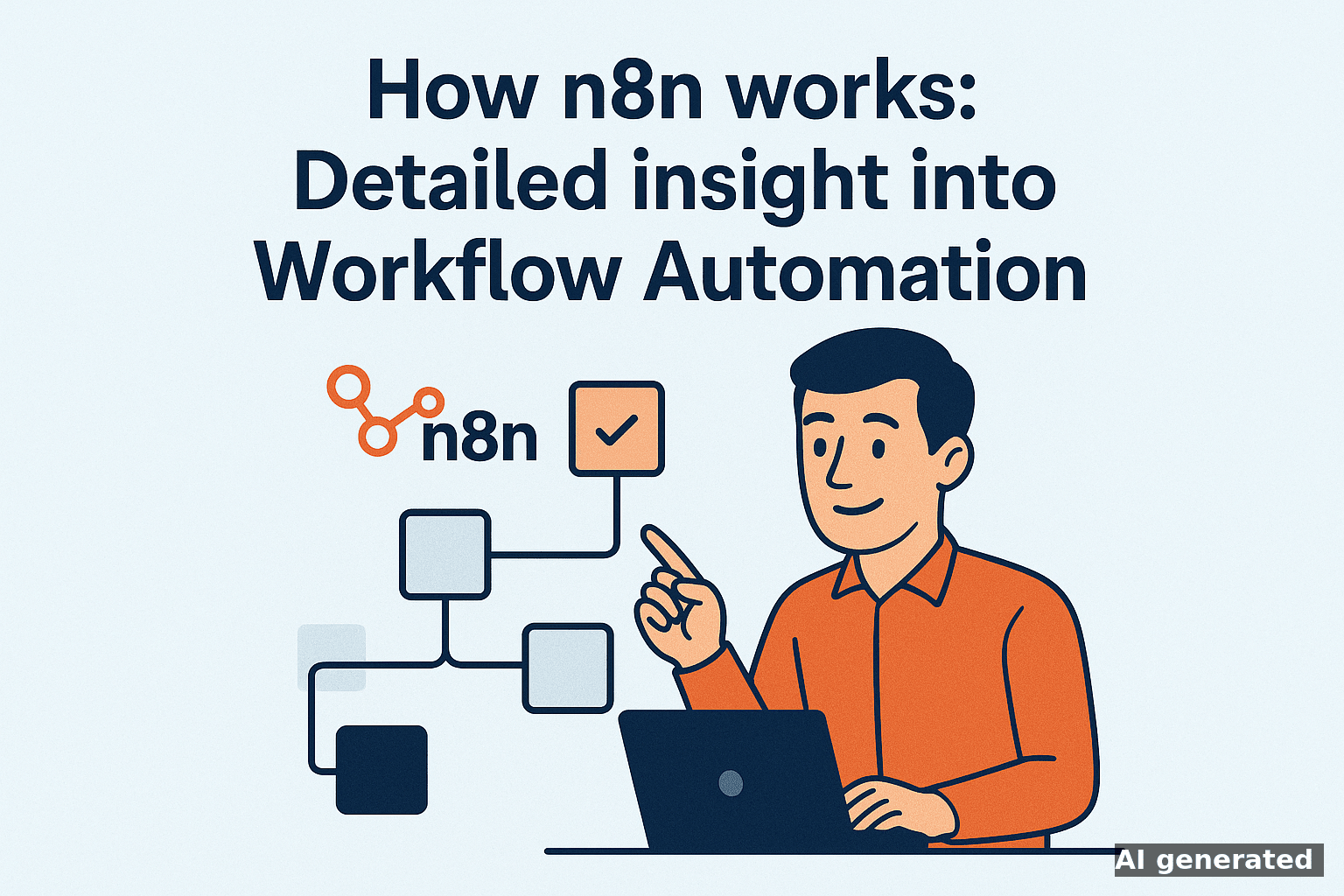
n8n is a workflow automation platform that connects apps, APIs and AI models through visual workflows. Start with n8n Cloud when you want the quickest setup. Choose the self-hosted Community Edition when infrastructure control matters and you can operate updates, backups and security yourself. A useful first workflow automates one repetitive process with a clear trigger, a small number of nodes and an explicit failure path.
This guide is the starting point for all n8n tutorials, templates and troubleshooting resources on AI Rockstars. It helps you choose the right setup, build a first reliable workflow and find the detailed article for your task.
The workflow editor is only part of the decision. Hosting determines who is responsible for availability, upgrades, backups, credentials and incident response.
Option
Best fit
You are responsible for
Recommendation
n8n Cloud
Teams that want to build workflows without operating the platform
Workflow design, data access, credentials and governance
Best default for a fast proof of concept
Self-hosted Community Edition
Technical teams that need infrastructure control or custom deployment
Hosting, TLS, updates, backups, monitoring, scaling and security
Choose only with a named technical owner
n8n describes the Community Edition as the free self-hosted option. Features differ between editions, so verify the current comparison in the official n8n documentation before deciding.
A reliable first workflow: the minimum architecture
Define one measurable outcome. Example: route a qualified website lead to the CRM and notify the responsible salesperson.
Choose a deterministic trigger. A form submission, webhook or schedule is easier to test than a vague event chain.
Validate input before acting. Check required fields, types and duplicates before writing to another system.
Keep credentials in n8n’s credential system. Do not paste production secrets into Code nodes, prompts or exported workflow JSON.
Add a failure path. Log the first failing node, preserve the relevant input and notify a human with enough context to retry safely.
Test with controlled data. Cover the normal case, missing fields, duplicates, timeouts and permission failures before activation.
Templates: useful starting point, not production proof
n8n lets you start from an empty workflow or an existing template. You can also import and export workflows as JSON. Before using any template with real data, inspect its credentials, external endpoints, community nodes, error handling and data retention. A popular template is not automatically safe or suitable for your environment.
Confirm every node and external service before connecting production credentials.
Replace example IDs, URLs and test recipients.
Check whether the workflow can run twice without creating duplicate records or messages.
Add timeouts, retries and alerts at external API boundaries.
Export a reviewed version and document its owner before activation.
Use an AI agent when the workflow must choose among tools based on variable language or context. Use ordinary workflow logic when the route can be expressed with stable rules. According to the official n8n documentation, an AI Agent node connects a chat model with one or more tools and decides which tool to call. That flexibility also increases the need for permission limits, validation and human approval.
Task
Prefer
Why
Move a valid form submission to a CRM
Deterministic workflow
The rules and expected output are known
Classify an unusual support request and select a knowledge tool
n8n offers a self-hosted Community Edition. Running it still involves infrastructure and operating costs. n8n Cloud is a hosted paid service. Features and terms can change, so check the official product comparison.
Do I need to code to use n8n?
No for many common workflows. Technical knowledge becomes more important for APIs, authentication, custom JavaScript, self-hosting, debugging and production security.
Can n8n run AI agents?
Yes. n8n provides AI integrations and an AI Agent node that can use connected models and tools. Start with a small tool set and require approval for consequential external actions.
Are n8n templates safe to import?
Treat every template as unreviewed configuration until you have inspected its nodes, credentials, external requests, community packages and failure behavior. Test with non-production data first.
To provide the best experiences, we use technologies like cookies to store and/or access device information. Consenting to these technologies will allow us to process data such as browsing behavior or unique IDs on this site. Not consenting or withdrawing consent, may adversely affect certain features and functions.
Functional
Always active
The technical storage or access is strictly necessary for the legitimate purpose of enabling the use of a specific service explicitly requested by the subscriber or user, or for the sole purpose of carrying out the transmission of a communication over an electronic communications network.
Preferences
The technical storage or access is necessary for the legitimate purpose of storing preferences that are not requested by the subscriber or user.
Statistics
The technical storage or access that is used exclusively for statistical purposes.The technical storage or access that is used exclusively for anonymous statistical purposes. Without a subpoena, voluntary compliance on the part of your Internet Service Provider, or additional records from a third party, information stored or retrieved for this purpose alone cannot usually be used to identify you.
Marketing
The technical storage or access is required to create user profiles to send advertising, or to track the user on a website or across several websites for similar marketing purposes.