Best AI YouTube Channels for Practical AI Learning
A practical guide to useful AI YouTube channels, with selection criteria, verification checks, and workflow advice for teams.
RSRalf SchukayUpdated Jun 26, 20267 min read Human reviewed
✓ ReviewedLast updated June 26, 2026 by Ralf Schukay
BLUF: The best AI YouTube channels are useful when you treat them as discovery and interpretation sources, not as final evidence. For business decisions, combine creator commentary with official product documentation, primary research, and hands-on testing.
TL;DR
Use AI YouTube channels to spot new tools, workflows, benchmarks, and product changes quickly.
Do not rely on subscriber counts, video views, or hype titles as quality signals. Those numbers change constantly.
For implementation work, prioritize creators who show sources, demos, failure modes, and clear assumptions.
Best AI YouTube channels for practical AI learning
This list highlights AI YouTube creators that are useful for different learning jobs: tracking product releases, understanding research, building workflows, evaluating AI agents, and learning how model behavior changes in practice. It is not a popularity ranking. Popularity can help with discovery, but it does not prove accuracy.
AI agents, cognitive architectures, long-form strategy
You need short tactical tutorials or tool-specific setup help
How we selected these AI creators
We selected channels based on recurring AI coverage, practical usefulness, source discipline, clarity, and relevance for people who build or evaluate AI workflows. The goal is to help readers find reliable learning inputs, not to crown a single best creator.
We intentionally do not publish fixed subscriber counts, view counts, or “most viewed video” lists on this page. Those numbers become outdated quickly and can push readers toward popularity signals instead of quality signals. When reach matters, check the live YouTube channel page directly.
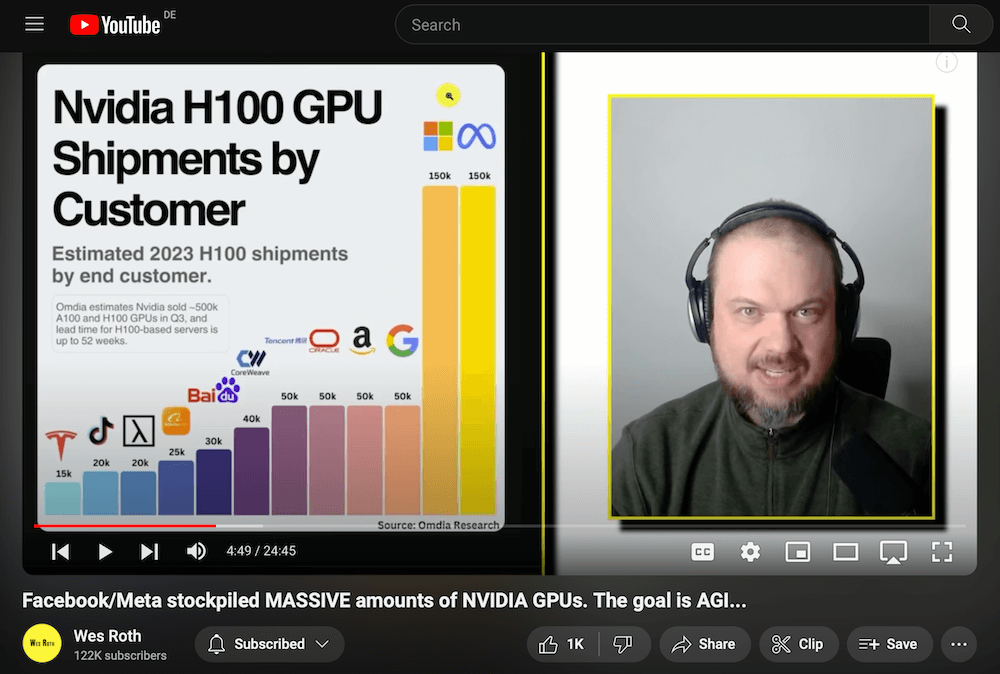
1. Wes Roth
Wes Roth is useful for following fast-moving AI news, agent experiments, and applied AI trends. The channel is strongest when a viewer wants a quick map of what changed, why people are talking about it, and which workflows might become practical soon.
Use this channel as an early-warning radar. If a video introduces an agent workflow or new platform feature, validate the details against official product documentation and then test the workflow with a narrow use case before bringing it into a company process.
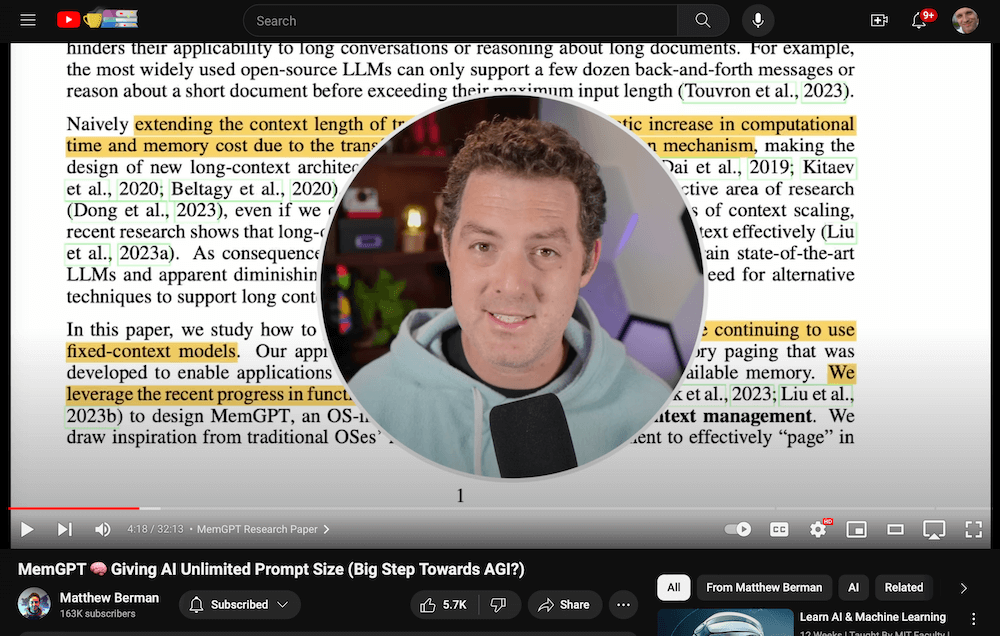
2. Matthew Berman
Matthew Berman is a strong fit for viewers who want a mix of open-source AI, research explainers, coding experiments, and tool walkthroughs. The channel often helps translate technical developments into practical implications.
The main value is pattern recognition: which open-source projects are gaining attention, which model capabilities matter, and what a technically curious operator should test next. For production decisions, repeat the experiment with your own prompts, data, and constraints.
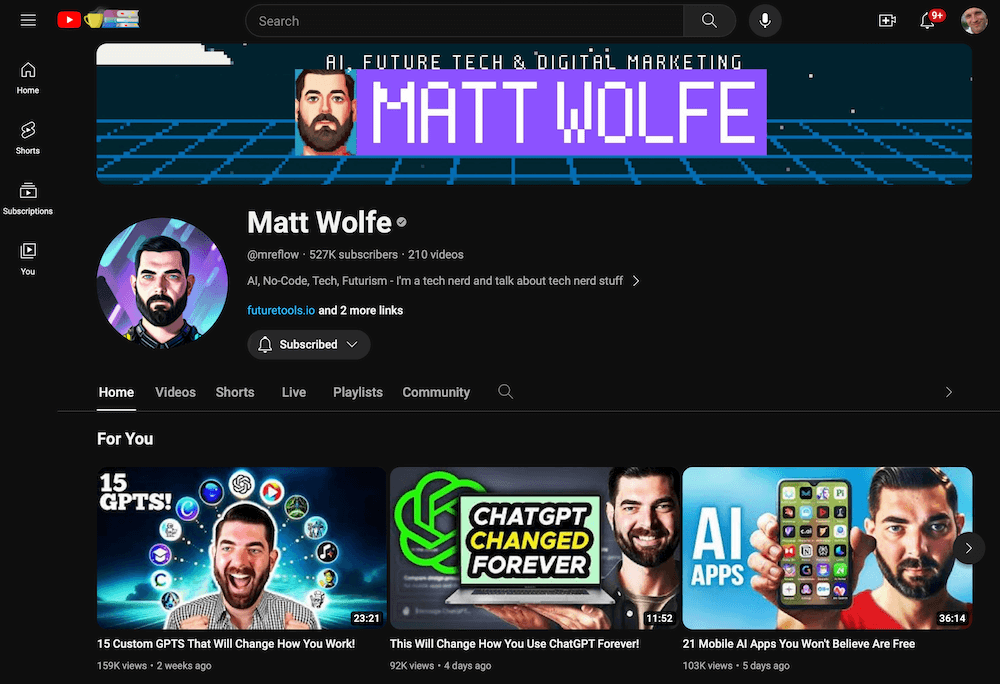
3. Matt Wolfe
Matt Wolfe is helpful for discovering AI tools, no-code workflows, and practical product ideas. The channel is especially useful for marketers, founders, and operators who want to understand what is possible without reading every product changelog.
Do not treat tool discovery as tool selection. Before adopting a new AI tool, check privacy terms, export options, integration depth, pricing, and whether the tool still works after the initial launch hype. Our Automation ROI Calculator can help test whether a workflow deserves implementation time.
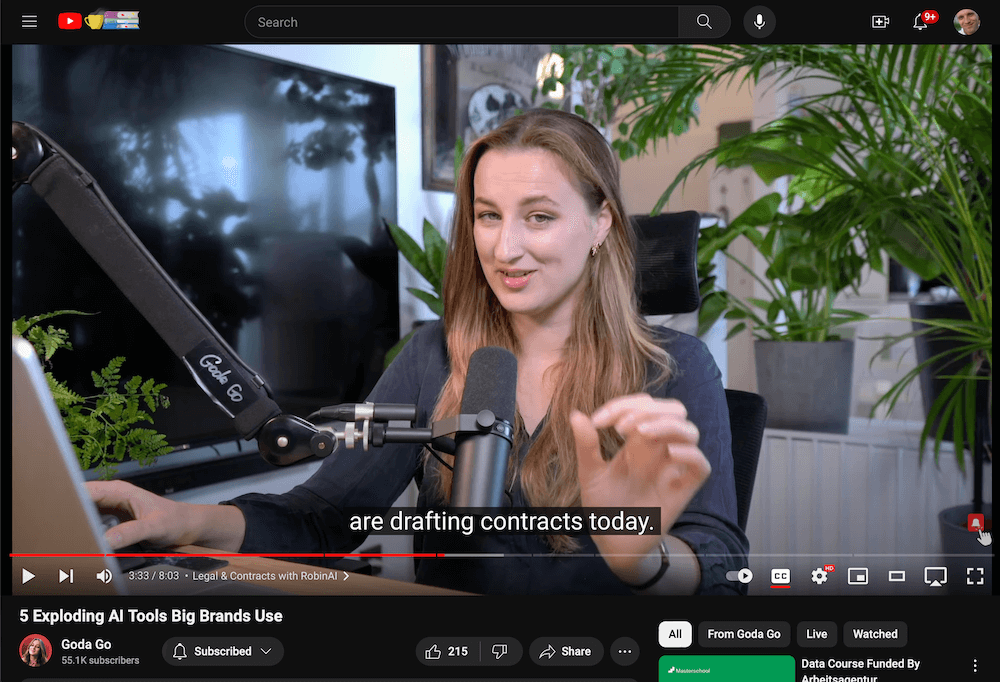
4. Goda Go
Goda Go is relevant for visual AI workflows, image generation, creative experiments, and design-oriented tool discovery. The channel can be useful when you want to understand how prompt changes, model choices, and interface features affect creative output.
Creative AI results are highly sensitive to model versions, prompts, seeds, and paid feature availability. When a workflow looks impressive, document the exact settings before assuming that the result is repeatable for a brand or client project.
5. The AI Grid
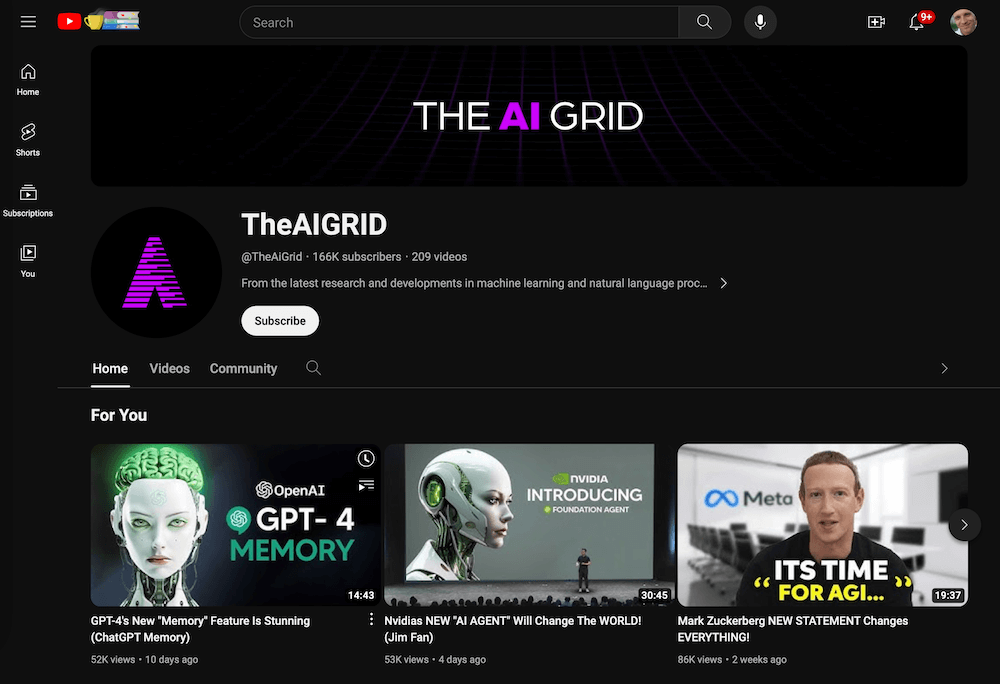
The AI Grid is useful for broad AI news and market context. The channel often covers model launches, company announcements, product demos, and competitive shifts across the AI ecosystem.
The best way to use this channel is as a briefing layer. Watch for themes, then confirm the details through primary sources such as official model release notes, company blogs, public documentation, or direct product access.
6. AI Explained
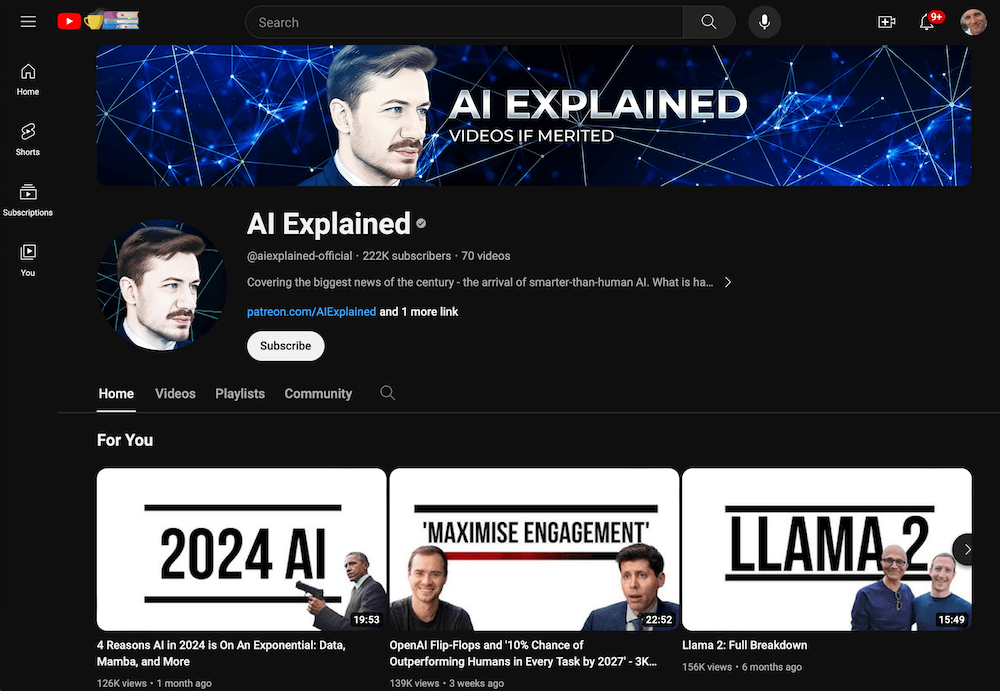
AI Explained is best for people who want thoughtful analysis of AI research, model capabilities, and the strategic meaning of new releases. It is usually more useful for understanding direction of travel than for copying a step-by-step workflow.
This channel pairs well with primary research papers and official technical reports. If you are building an implementation plan, turn the analysis into testable assumptions: what changed, what user task should improve, and what metric would prove the improvement.
7. David Shapiro
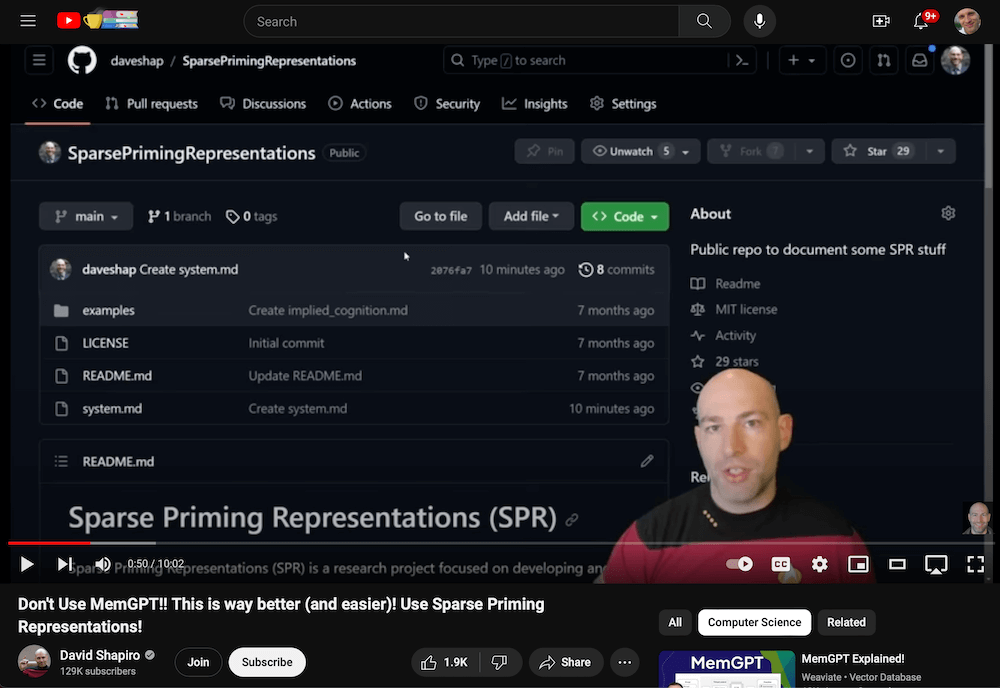
David Shapiro is useful for long-form thinking about AI agents, cognitive architectures, automation, and the wider implications of increasingly capable models. The channel is strongest when you want frameworks and strategic thinking rather than short product tutorials.
Use it to sharpen your questions before designing an AI system. For example, if a video discusses autonomous agents, connect the idea to concrete implementation constraints: tool permissions, error recovery, human approval, observability, and cost control.
How to evaluate an AI YouTube channel
A good AI YouTube channel makes claims that can be checked. The creator should distinguish demos from production readiness, name sources, show failure cases where possible, and explain the assumptions behind a recommendation.
Quality signal
Why it matters
What to check
Primary sources
Reduces rumor-driven decisions
Links to documentation, papers, release notes, repositories, or official announcements
Visible process
Shows whether the result is repeatable
Prompts, settings, test data, model version, and constraints
Balanced trade-offs
Separates practical advice from hype
Security, cost, reliability, limitations, and failure modes
Clear audience fit
Prevents mismatched advice
Whether the content is for beginners, developers, operators, creators, or executives
Update discipline
AI tools change quickly
Corrections, follow-up videos, and references to changed features
How companies should use AI YouTube content
Companies should use AI YouTube content as a learning input, not as a procurement or architecture authority. A video can help identify a promising tool or workflow, but the decision should still pass through internal evaluation.
Capture the idea. Write down the workflow, tool, or model capability that looks useful.
Verify the source. Check official documentation, pricing, terms, and current availability.
Run a small test. Use realistic data, real constraints, and a measurable success criterion.
Document the decision. Record what worked, what failed, and what would need governance before rollout.
AI Rockstars verdict
The most useful AI YouTube channels help you notice developments earlier and understand them faster. The risk is that video content can blur the line between a compelling demo and a durable implementation. Treat every video as a hypothesis generator. Then verify, test, measure, and connect it to your own AI roadmap.
AI influencers on YouTube can be reliable for discovery and interpretation, but their claims should be verified before business use. The safest channels show sources, demos, assumptions, limitations, and follow-up corrections.
Should I choose AI tools based on YouTube recommendations?
No. YouTube recommendations can identify tools worth testing, but selection should depend on your use case, data sensitivity, integration needs, pricing, reliability, and governance requirements.
What makes an AI YouTube channel valuable?
A valuable AI YouTube channel explains what changed, why it matters, and how to test it. The best creators make their assumptions visible and help viewers separate demos from production-ready workflows.
How often should AI learning sources be reviewed?
Review AI learning sources at least quarterly. Model capabilities, pricing, product access, and best practices change quickly, so a useful source list should not depend on static reach metrics.
Ralf Schukay is a co-founder of AI Rockstars and specializes in AI automation and enterprise solutions. He tests and compares AI tools for professional use and helps teams become more productive through workflow automation.
To provide the best experiences, we use technologies like cookies to store and/or access device information. Consenting to these technologies will allow us to process data such as browsing behavior or unique IDs on this site. Not consenting or withdrawing consent, may adversely affect certain features and functions.
Functional
Always active
The technical storage or access is strictly necessary for the legitimate purpose of enabling the use of a specific service explicitly requested by the subscriber or user, or for the sole purpose of carrying out the transmission of a communication over an electronic communications network.
Preferences
The technical storage or access is necessary for the legitimate purpose of storing preferences that are not requested by the subscriber or user.
Statistics
The technical storage or access that is used exclusively for statistical purposes.The technical storage or access that is used exclusively for anonymous statistical purposes. Without a subpoena, voluntary compliance on the part of your Internet Service Provider, or additional records from a third party, information stored or retrieved for this purpose alone cannot usually be used to identify you.
Marketing
The technical storage or access is required to create user profiles to send advertising, or to track the user on a website or across several websites for similar marketing purposes.