📖 This article is part of our Google Gemini guide. Read the full guide →
Google has published a guide to better prompts for “Nano Banana,” the image model behind Gemini 2.5 Flash Image. The article focuses on how images can be edited, combined, and stylistically controlled in a targeted manner—with clearer inputs and more control.
Part of our AI Image Generation Guide. For the full picture, see our complete AI Image Generation Guide.
Prompt tips for better results with “Google Nano Banana”
Google has published a detailed prompting guide for Nano Banana on the Google Cloud blog. This refers to the image understanding and image editing model behind Gemini 2.5 Flash Image. The article is aimed at developers and creatives who want to get more reliable results from text and image instructions.
Essentially, it’s about how users can not only generate images, but also edit, restyle, and combine them in a targeted manner. Google provides practical prompt patterns for this and explains which formulations work particularly well.
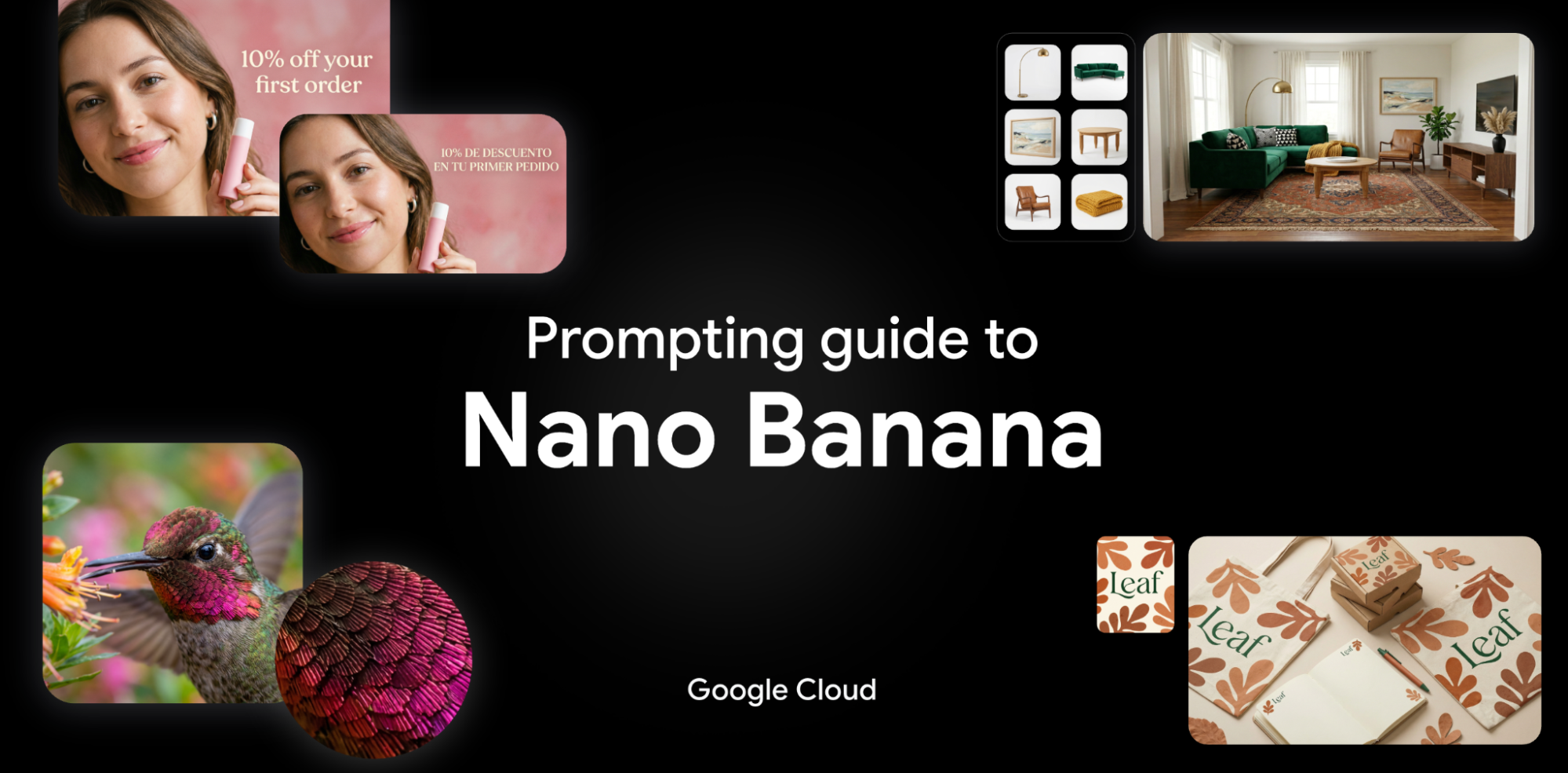
Google Nano Banana – creating images via AI chat
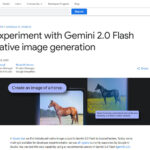
Nano Banana is designed for multimodal image editing. This means that the model can not only understand text, but also analyze existing images and implement changes based on this analysis. According to Google, this is suitable for product images, marketing graphics, storyboards, or social media motifs.
- Edit: Replace individual objects, change backgrounds, or adjust image areas.
- Combine: Merge content from multiple images into a new composition.
- Control style: Specify photorealism, illustration style, lighting mood, or camera perspective more precisely.
- Refine text: Clear descriptions of the motif, layout, colors, and desired changes will yield better results.
What Google recommends for prompting
The guide makes one thing clear above all else: the more specific the instruction, the more likely the model is to deliver the desired result. Instead of “make the image more beautiful,” Google recommends structured prompts with clear information about the motif, style, perspective, and desired changes.
- Be specific: What should remain, what should disappear, what should be added?
- Specify visual details: For example, material, colors, light, background, or image section.
- Work step by step: Complex changes are better done in several editing steps rather than in one mega prompt.
- Use references: Existing images can serve as a starting point or style template.
This is useful, for example, when a shop team wants to create several variants from a simple product photo: new setting, different background, seasonal colors, or different formats for advertising channels. It can also save time for app mockups or blog graphics.
Example: Nano Banana can also create texts in different languages

Why this is relevant
The guide is exciting not so much because of a single new feature, but because of the direction it’s taking: image AI is increasingly becoming a tool for controlled editing rather than just free generation. This is often more useful in everyday work, because users want to reuse existing assets.
It is also interesting for developers and teams that Google documents the topic quite systematically. This helps in setting up reproducible workflows – i.e., when results should not only be creative but also predictable.
Useful links
- Original article: Ultimate Prompting Guide for Nano Banana
- Gemini API: Google AI for Developers
- Vertex AI: Product page on Google Cloud
- Gemini documentation: Generative AI documentation
Conclusion
Google’s Nano Banana Guide is primarily a practical cheat sheet for better image prompts. Anyone who wants to edit images or merge content from multiple sources with Gemini will find useful rules here for more precise and reproducible results – without having to wade through marketing jargon first.
Frequently Asked Questions
What is Nano Banana?
Nano Banana is the codename for Google’s image generation model integrated into Gemini, focused on high-fidelity rendering, prompt adherence, and creative control. It is part of Google’s response to Midjourney v7 and OpenAI’s DALL-E 3.
How do you prompt Nano Banana effectively?
Nano Banana responds well to structured prompts that specify subject, style, composition, and lighting separately. Use commas to separate concept clusters, name specific styles (e.g., ‘cinematic, anamorphic lens’), and leverage Gemini’s native ability to interpret negative prompts.
What makes Nano Banana different from other image models?
Nano Banana is tightly integrated with Gemini’s reasoning, allowing image generation to be informed by the broader conversation context — useful for series generation, brand-consistent assets, and iterative design where you refer back to earlier images.
Where can I use Nano Banana?
Nano Banana is accessible via Gemini (the consumer product), Google AI Studio, and Vertex AI for enterprise use. Some advanced features are gated to Gemini Advanced subscribers.
Is Nano Banana free?
Free image generation with Nano Banana is available within the standard Gemini consumer tier, with rate limits. Higher volumes and the most advanced models require Gemini Advanced or API access.
AI Rockstars verdict
TL;DR: A Nano Banana prompting guide is most useful when it turns creative intent into repeatable image instructions. The best prompts specify subject, composition, style, text requirements, constraints, and iteration goals.
Editorial recommendation: Use structured prompt templates for Nano Banana instead of one-line descriptions. For production visuals, test prompts against brand rules, text accuracy, image consistency, and editing effort.
Nano Banana prompting checklist
| Factor | Priority | Why it matters |
|---|---|---|
| Subject and scene | Critical | The model needs a clear object, setting, and purpose. |
| Composition and format | High | Aspect ratio, framing, and layout affect usability. |
| Text rendering needs | Critical | Any visible words should be specified and checked carefully. |
| Brand and style constraints | High | Production assets need consistent visual rules. |