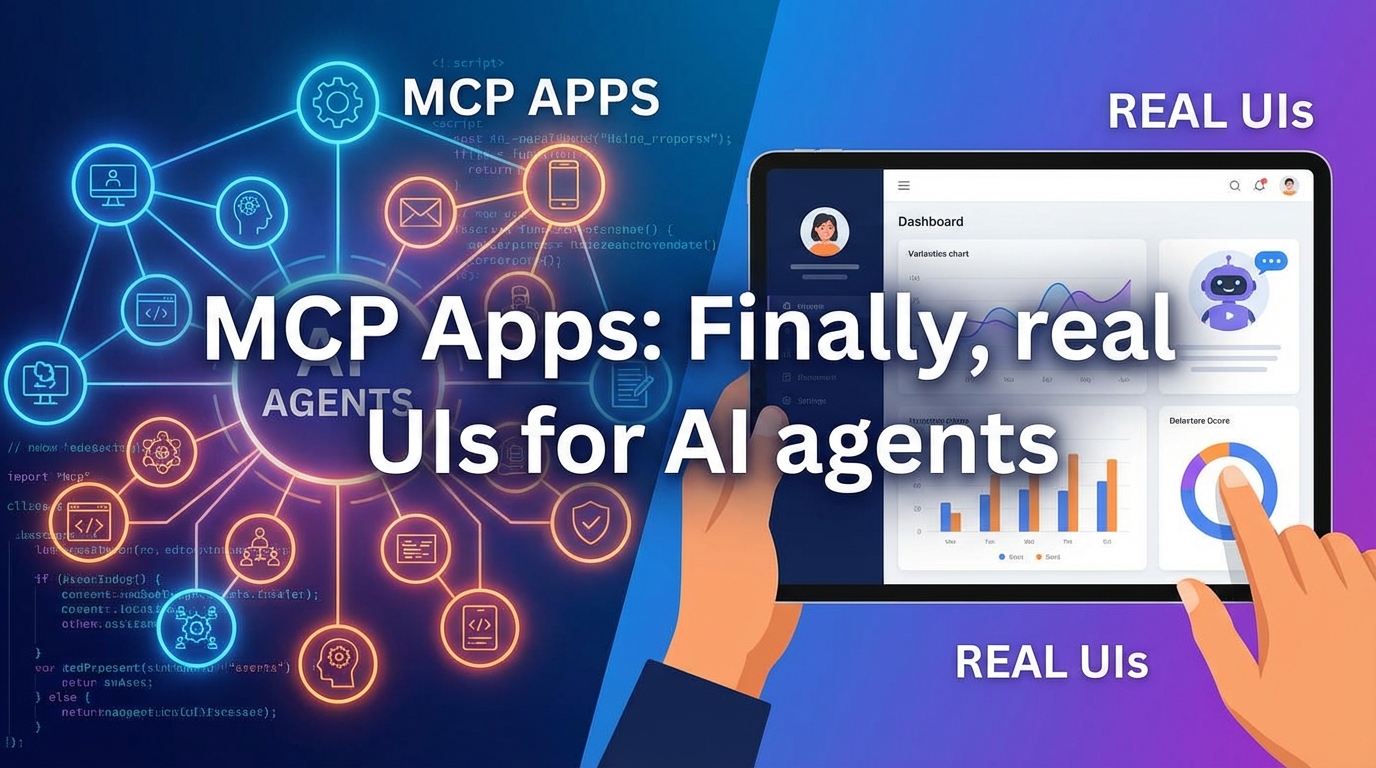
Anthropic outlines new ways in which the open Model Context Protocol (MCP) can dynamically connect native interfaces with local AI servers. The JSON-RPC standard promises to end rigid API integrations by allowing frontends to immediately recognize new backend functions, but it also poses massive security risks due to direct system access. We analyze the technical specs, the “user trust” problem, and the concrete benefits for GUI developers.
JSON-RPC 2.0 standard: MCP replaces proprietary adapters with an open protocol and solves the N×M integration problem between various AI clients and data services.
Zero-recompile updates: Native apps dynamically load function schemas via client.listTools(), making backend features immediately usable without having to recompile the GUI client.
Infrastructure constraints: The protocol requires stateful, long-lived connections via HTTP/SSE, which makes cost-effective deployment on stateless serverless platforms (e.g., AWS Lambda) extremely difficult.
Security & cost risk: The lack of RBAC (role-based access control) grants servers full user rights, while tool definitions flood the context window and drive up token costs.
The Model Context Protocol (MCP) marks a fundamental change in the architecture of AI-powered applications. It addresses the classic N×M problem: Until now, developers had to write specific adapters for each AI client (e.g., Claude, Cursor, Custom Apps) and each data service (Google Drive, Postgres, Slack). MCP replaces this fragmentation with an open standard based on JSON-RPC 2.0.
The native app is transformed from a static interface to an intelligent host. This host no longer needs to know the internal API logic of the connected service. Instead, the client and server dynamically negotiate three core components:
Resources: Data that is read like files (e.g., logs, database rows).
Prompts: Predefined command chains or templates for the LLM.
Tools: Executable functions (e.g., API calls, file system operations) that the model can use.
To make this architecture work, MCP defines strict transport mechanisms. The choice of transport determines whether the MCP server acts as a local process or as a remote web service. Both have specific advantages and disadvantages in production use:
Feature
`stdio` (standard input/output)
`HTTP` with SSE (Server-Sent Events)
Architecture
Local process pipes
Client-server via network
Primary focus
Desktop apps (local security & speed)
Remote services & web applications
Connection type
Parent-child process relationship
Long-lived HTTP connections
Security model
Inherits user rights of the local machine
Requires separate auth/token control
Example
Claude Desktop launches local Python script
Web IDE connects to cloud database
Technically, MCP is a stateful protocol. With SSE in particular, this means that permanent connections must be maintained—a factor that can pose challenges for classic serverless deployments (e.g., AWS Lambda), as these are optimized for short, stateless requests.
Dynamic extensibility without recompiling
The most radical advantage of this architecture lies in the decoupling of feature development and client updates. In classic GUI applications, a new button or function (e.g., “Clear log cache”) would have to be implemented in the backend as well as hard-wired and recompiled in the frontend code (Swift, Kotlin).
With MCP, this step is no longer necessary for the client side:
The client initiates client.listTools() at startup.
It receives the schema definition of all available functions (including the new “Clear log cache” function) from the server.
The LLM immediately recognizes the new capability and can use it.
This means that an update in the Python backend (server) unlocks features in the native macOS or Windows app (client) without the need for an app store update or recompilation of the client. The app becomes a generic runtime environment for functions dictated by the server.
Practical guide: Building a native MCP-controlled GUI
This guide simulates the construction of a macOS admin dashboard that is no longer based on hard-coded REST API calls but acts as a generic MCP host. The advantage: the business logic migrates completely to the local server process; the frontend does not need to be recompiled for new features.
1. The backend: Resources instead of endpoints
We set up a Python MCP server. Unlike with a classic API, we do not define routes, but capabilities. For our admin dashboard, we need two core components:
Capability
Function
Example implementation
Resource
Passive data streams (read-only)
System logs (`/var/log/syslog`) are made URI-addressable.
Tool
Executable actions
`restart_service`: A Python wrapper around `systemctl` or `subprocess`.
The server communicates via stdio (standard input/output). This means that it runs locally on the user’s machine and does not require open ports or complex authentication, as it inherits the rights of the parent process (the GUI app).
2. The front end: The generic Swift client
The native macOS app (written in Swift/SwiftUI) acts as an MCP client. It knows neither the logic of log analysis nor the commands for restarting. It only knows the protocol.
When the app is launched, the client initiates the Python process and performs a handshake (“Initialize”). A key advantage: The app dynamically queries which tools are available (listTools).
Code example (Swift client implementation):
import MCPClient

// Connection via stdio: The app starts the Python script directly
let client = MCPClient(transport: StdioTransport(command: "python", args: ["server.py"]))
await client.connect()

// Dynamic discovery: The app does not need to know that "restart_service" exists
let tools = await client.listTools()
// Result: The UI can now generate buttons based on the tools or inform the LLM
3. The integration (the glue)
The real “magic moment” occurs in the interaction between user input, LLM, and MCP protocol. The workflow for the “Apache server is hanging” scenario is as follows:
User intent: The user types in the app’s chat window: “Why is the web server slow? Please restart.”
LLM decision: The integrated model (e.g., GPT-4o or Claude) analyzes the text and matches it against the list of definitions loaded via listTools.
Tool call: The LLM does not generate text, but rather a JSON object for the function call.
Execution: The Swift app executes the call via MCP: await client.callTool(name: "restart_service", arguments: ["service": "apache2"])
Feedback loop: The Python server executes the shell command and sends the output (stdout/stderr) back to the GUI, which renders it as a chat response.
Pro tip: Server-driven UI (MCP-UI)
For advanced applications, it’s worth taking a look at the experimental MCP-UI standard. Here, the server not only sends back text or JSON, but also finished HTML widgets.
Scenario: The server detects a critical error in the logs.
Action: It proactively sends a widget to the client: .
Result: The native app renders this HTML snippet. Developers can thus deploy UI elements without having to perform an app store update for the client.
System comparison: Open Source Standard (MCP) vs. Walled Gardens
The central promise of the Model Context Protocol is the dissolution of proprietary silos. While companies like OpenAI try to keep users in their ecosystem (“walled garden”), MCP relies on an architectural reversal: the intelligence (LLM) comes to the data, not the other way around.
Architecture check: MCP vs. OpenAI Actions
The biggest discrepancy lies in the execution environment. OpenAI Actions (GPTs) are based on OpenAPI (Swagger) specifications and are forced to run in OpenAI’s cloud. MCP, on the other hand, is protocol-agnostic and allows AI to access local resources directly – down to the operating system level.
Feature
MCP (open source standard)
OpenAI Actions (proprietary)
Protocol basis
JSON-RPC 2.0
OpenAPI / REST
Execution
Local (`stdio`) or self-hosted (`SSE`)
OpenAI cloud infrastructure
Data sovereignty
Data never necessarily leaves the device
Data must be sent to OpenAI
System depth
Full access:file system, local databases, logs
Limited:Only via public web APIs
Connection type
Stateful (persistent session)
Stateless (short HTTP calls)
The USB-C analogy: limits of interoperability
The mantra “write once, run everywhere” applies to tool logic, but often fails in practice at the transport layer. MCP behaves like the USB-C standard in this respect:
The connector (the JSON-RPC format) fits mechanically everywhere. But just as not every USB-C cable transfers data or supports monitors, not every MCP client accepts every type of transport.
The problem: A server developed for local use (without authentication, via stdio) cannot be provided as a remote service on the web without massive refactoring (auth layer, SSE support).
The consequence: Developers often have to “wrap” servers specifically for the transport route (e.g., using Docker adapters), which limits their universal applicability.
Compatibility Matrix
Support varies greatly depending on the host application. Currently (as of Q4 2024/Q1 2025), there is significant fragmentation between desktop and IDE integrations:
Claude Desktop: Strong focus on local processes via stdio. Remote connections are possible but technically challenging, as the app is primarily designed for local single users. Without workarounds, access to remote servers via SSE is often unstable.
Cursor / VS Code: These IDE-based clients offer better support for remote connections. Since developers often work with remote containers or SSH anyway, the MCP approach integrates more seamlessly into existing workflows here.
Native apps: If you integrate MCP into your own Swift or Kotlin apps (see GUI frontend), you have to implement the client stack completely yourself. There is no “plug-and-play” framework that covers all transport types (Stdio SSE) equally.
Conclusion on integration: MCP breaks down logic silos, but shifts the complexity to the infrastructure level. It is not a “serverless”-friendly protocol, as it insists on long-lived connections, which makes it difficult to use on platforms such as Vercel or AWS Lambda.
Critical Deep Dive: Security Gaps and Deployment Hurdles
While the protocol solves the integration problem, the current specification (as of November 2024) ignores fundamental security and infrastructure standards. Community analyses on HackerNews and r/LocalLLaMA warn against blind use in production environments.
Security Nightmare “Remote Shell”
Critics describe MCP as a blueprint for “remote shells for hallucinating LLMs.” The central problem is the weak user trust model. By default, a local MCP server inherits the full rights of the user.
Lack of RBAC: There is no granular authorization system (role-based access control) at the protocol level. A server for weather data technically has the same rights as a server with database access as long as it runs in the same user context.
Tool poisoning & command injection: A compromised server (or a malicious “wrapper”) can execute arbitrary commands. Since LLMs can act unpredictably, there is a risk that the model will be manipulated to make destructive system calls.
The “stateful” problem: incompatibility with serverless
MCP relies on server-sent events (SSE) and long-lived process pipes for remote connections. This directly contradicts modern cloud architecture, which is optimized for short-lived, stateless functions.
Architecture model
Behavior
MCP compatibility
Serverless (AWS Lambda, Vercel)
Process is terminated after ms/seconds (stateless).
Critical:Connection interruptions, as MCP must maintain state.
Container / VPS (Docker, EC2)
Process runs continuously (stateful).
Ideal:Necessary for stable SSE streams and `stdio`.
For developers, this means: No more cheap “pay-per-request” hosting. You have to orchestrate real containers, which increases the complexity and cost of deploying trivial tools.
Token economy and “context window overload”
One factor that is often overlooked is the inference cost. Each connected MCP server injects its tool definitions (signatures, descriptions) into the LLM’s system prompt.
Cost explosion: Connecting 10 servers with 20 tools each floods the context window with thousands of tokens before the user even says “hello.” This drives up the cost per call massively.
Loss of quality: Too many options compromise the precision of the model (“tool overload”). The probability that the LLM will choose the wrong tool or hallucinate increases significantly.
UX Stone Age: “Linux desktop of the 90s”
Despite the hype, there is a complete lack of consumer UX. There is no central app store or “one-click install.” Configuration is done by manually editing local JSON files (e.g., claude_desktop_config.json). For end users without terminal experience, the ecosystem is currently virtually inaccessible.
The Model Context Protocol (MCP) is undoubtedly the “USB-C moment” for AI development. It provides the long-awaited standard interface to free LLMs from their chat cages and integrate them deeply into operating systems and local data streams. The architectural move to remotely control dumb front ends (clients) with smart back ends (hosts) is brilliant and saves massive development time. But beware: the hype obscures the fact that we are dealing with a raw, dangerous tool here. We are trading OpenAI’s “walled garden” for operational complexity and massive security gaps.
Your decision-making aid
Implement it immediately if: You are a developer, DevOps engineer, or power user. The ability to control local scripts, logs, and databases without API glue code via Claude Desktop or Cursor is an immense productivity boost. For internal enterprise tools where you are the “admin,” decoupling the UI and logic is worth its weight in gold.
Stay away if: You are a security officer or serverless architect. The protocol is currently a nightmare for zero-trust environments (effectively remote code execution without RBAC) and fundamentally conflicts with modern, stateless cloud architectures such as AWS Lambda. MCP is also not yet ready for products aimed at end users – no one wants to manually edit JSON config files.
Next Steps
Experiment instead of scaling. Treat MCP as a powerful local dev tool (stdio) for now. Use it to make your own IDE or desktop “smart.” But be careful with deployment: don’t put an MCP server on the open network via SSE until you have built your own bulletproof authentication layer in front of it. MCP is the future of agent communication, but in its current state, it’s a construction site without guardrails.
To provide the best experiences, we use technologies like cookies to store and/or access device information. Consenting to these technologies will allow us to process data such as browsing behavior or unique IDs on this site. Not consenting or withdrawing consent, may adversely affect certain features and functions.
Functional
Always active
The technical storage or access is strictly necessary for the legitimate purpose of enabling the use of a specific service explicitly requested by the subscriber or user, or for the sole purpose of carrying out the transmission of a communication over an electronic communications network.
Preferences
The technical storage or access is necessary for the legitimate purpose of storing preferences that are not requested by the subscriber or user.
Statistics
The technical storage or access that is used exclusively for statistical purposes.The technical storage or access that is used exclusively for anonymous statistical purposes. Without a subpoena, voluntary compliance on the part of your Internet Service Provider, or additional records from a third party, information stored or retrieved for this purpose alone cannot usually be used to identify you.
Marketing
The technical storage or access is required to create user profiles to send advertising, or to track the user on a website or across several websites for similar marketing purposes.