TL;DR
Creating n8n templates — the short version For inspiration, check out our curated list of the 10 best n8n workflow templates.
- Start with a working workflow: Build and fully test your automation before turning it into a template. A template built on a broken workflow will fail for everyone who uses it.
- Use variables, not hard-coded values: Replace API keys, email addresses, and environment-specific settings with variables or clearly marked placeholders so others can configure the template without editing JSON manually.
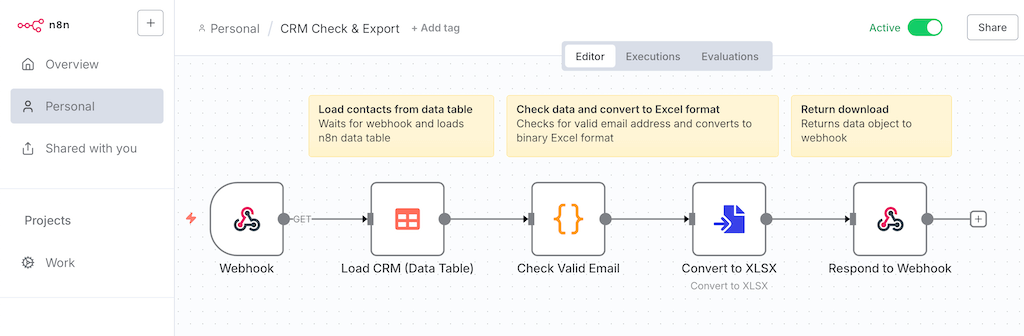
- Document everything: Add sticky notes inside the workflow and write a setup guide covering required credentials, configuration steps, and known edge cases. This is what makes the difference between a template and a puzzle.
- Test from a clean import: Import your exported JSON into a fresh workflow and follow only your own docs to verify that a new user can get it running without help.
- Publish and get feedback: Share via n8n.io/workflows or GitHub. Community feedback reveals blind spots and helps you build a reputation as an automation expert.
Teams that template their most-used workflows cut development time by 30–60% and onboard new members faster — the investment pays off by the third similar workflow you build.
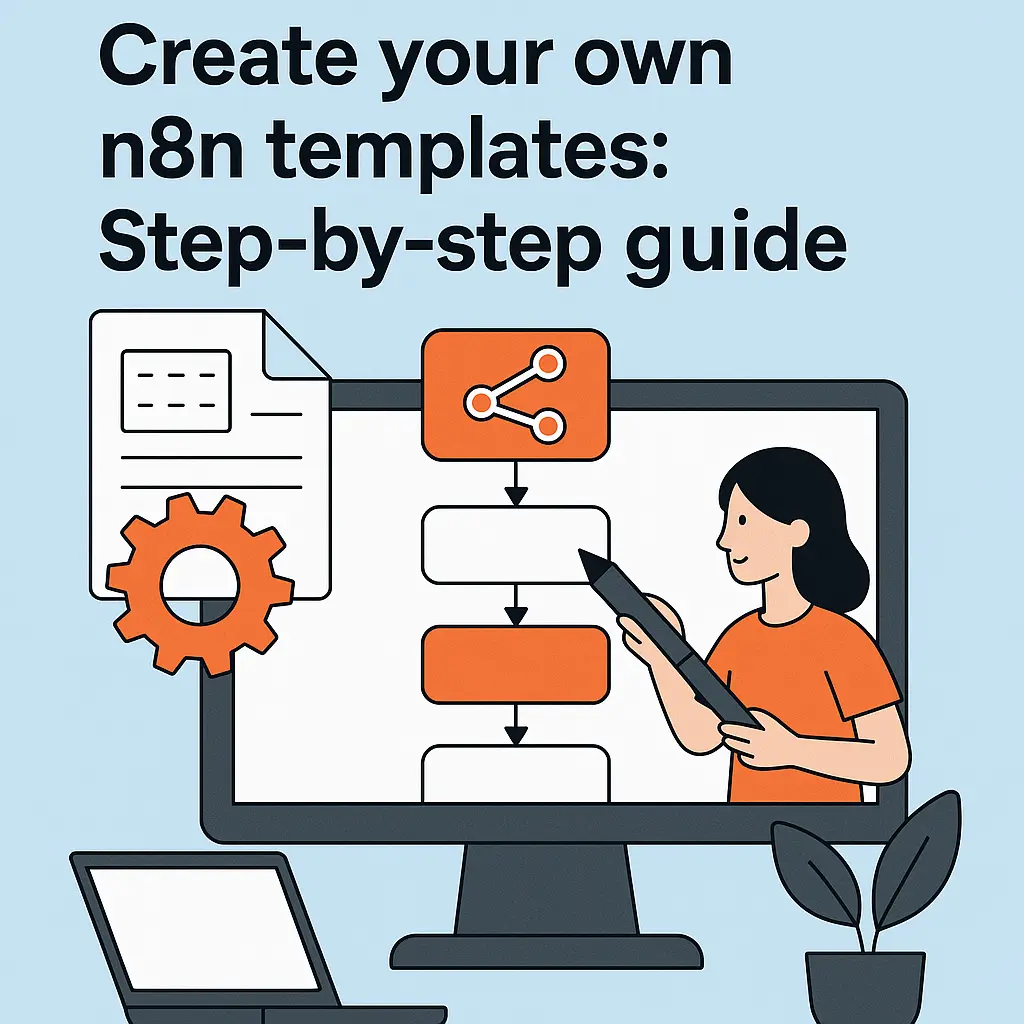
In this guide, you will learn how to create your own n8n templates to standardize workflows for you and your team and save time. These templates are particularly valuable if you regularly set up similar automations. If you’re new to n8n, start with our guide on how n8n workflow automation works.
Read more