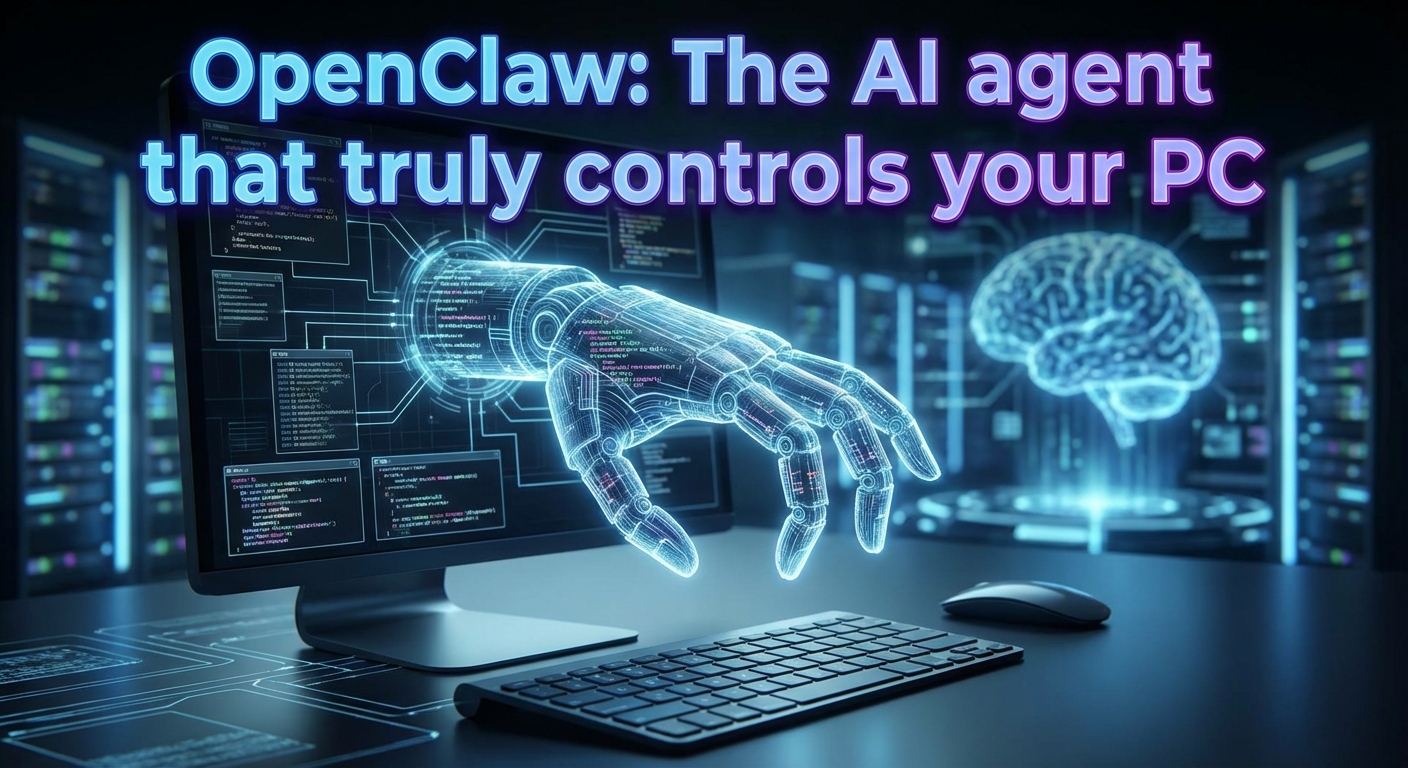
OpenClaw grants AI agents direct system access via messengers such as WhatsApp and automates complex workflows completely autonomously. The viral open-source project is hailed as the “future of work,” but it opens up massive security gaps through de facto remote shell functionalities and uncontrolled API consumption. Here is a technical deep dive into the code, the cost traps, and the actual performance of the tool.
- Remote code execution (RCE): OpenClaw operates directly on the local shell via Node.js (version ≥22), which experts (including Cisco Security) classify as a massive security risk due to full file system access via WhatsApp.
- API loop cost trap: In one documented case, autonomous malfunctions (“loops”) without user supervision resulted in $560 in API costs in a single weekend.
- Mandatory infrastructure: A VPS (starting at around $13/month) is necessary for the advertised 24/7 proactivity, as local operation on laptops (“lid closed”) cuts the connection to the Messenger interface.
- Market differentiation: Unlike reactive coding tools (Cursor, Open Interpreter), OpenClaw positions itself as a proactive action bot that is defined via
SKILL.mdand, with >100k GitHub stars, sees itself as an autonomous agent.
📖 This article is part of our complete AI Agents guide. Read the full guide →
Read also: IronClaw: Your secure, local AI agent in Rust
Technically speaking, OpenClaw does not primarily define itself as a chatbot, but as an action bot. While classic LLM wrappers only generate text, OpenClaw’s architecture is designed to actually execute code on the host machine.
The core mechanism is access to the local shell via Node.js child_process. This means that when the agent decides to move a file or start a script, it does not simulate this, but executes the command directly at the operating system level.
Tech stack & headless control
The basis is a modern stack of TypeScript and Node.js (version ≥22), often encapsulated in Docker containers for consistent deployment. For tasks outside of APIs, OpenClaw relies on browser automation:
- Playwright / Puppeteer: Where no official interface exists, OpenClaw controls a “headless” browser.
- DOM interaction: The agent can click buttons, fill out forms, and scrape data without the need for a physical screen.
Always-On: Hosting vs. Local Laptop
A central aspect of the architecture is proactivity. In order for the agent to act independently—for example, to sort invoices in the morning before work begins— 24/7 operation is required.
- Local operation: A shell script on a MacBook only works as long as the lid is open. If the laptop is closed, the agent dies.
- Gateway hosting: A VPS (virtual private server) is recommended for productive use (e.g., via Hostinger, starting at around $13/month). Here, the “gateway” part of the architecture runs permanently, maintains the connection to the messengers, and waits for triggers or schedules.
The messenger paradigm
From an architectural point of view, OpenClaw “abuses” messengers such as WhatsApp, Telegram, Discord, or Signal as remote terminals. The chat is merely the UI for the underlying server operating system. This architecture fundamentally distinguishes OpenClaw from other coding assistants:
| Feature | OpenClaw | Open Interpreter (01) | Claude Code / Cursor |
|---|---|---|---|
| Architectural goal | Headless server agent | Local Terminal Assistant | Coding support in the editor |
| Initiative | Proactive(agent logs in) | Reactive (waits for command) | Reactive (coding assistant) |
| System access | Remote via chat app | Local in terminal | Restricted to project folder |
While tools such as Open Interpreter are tools that you actively use (similar to a drill), the OpenClaw architecture is designed to act like an autonomous service provider in the background – with full read and write access to the file system.
Paradigm shift: From tool to autonomous employee
The distinction between OpenClaw and established AI coding tools such as Open Interpreter or Cursor is not technical, but philosophical in nature. While the market has been dominated by assistive systems that wait for input, OpenClaw positions itself as an autonomous actor.
The key difference lies in the initiative model:
- Reactive systems (Cursor, Open Interpreter): These tools behave like a drill. They are ready to go, but do nothing until the user “pulls the trigger” (enters a prompt).
- Proactive systems (OpenClaw): OpenClaw behaves like an intern. Once configured (e.g., via
SKILL.md), the system acts independently in the background. It checks emails, monitors servers, or performs calendar checks and actively notifies the user when tasks are completed or problems arise.
Feature comparison: OpenClaw vs. the market standard
To illustrate its positioning in the “bleeding edge” sector, it is worth comparing the architectural decisions directly:
| Feature | OpenClaw | Open Interpreter (01) | Claude Code / Cursor |
|---|---|---|---|
| Primary interface | WhatsApp / Telegram(messenger) | Terminal / CLI | IDE / Editor |
| Initiative | Proactive(contacts you) | Reactive (waits for commands) | Reactive (coding assistant) |
| System access | “Headless” on server/desktop | Local in terminal | Restricted to project folder |
| Hosting | Often 24/7 VPS (e.g., Hostinger) | Local laptop | Local / Cloud |
| Target | Power users (“Her” experience) | Developers & sysadmins | Software engineers |
Interface strategy: Messenger-first vs. terminal
OpenClaw’s unique selling point is its “messenger-first” approach. Competitors require users to enter the AI’s working environment (terminal or IDE). OpenClaw, on the other hand, integrates into the user’s private communication stream (WhatsApp, Signal, iMessage).
This drastically lowers the barrier to interaction, but at the same time increases the demands on the infrastructure. Since OpenClaw often runs on a gateway server (e.g., Docker container on a VPS) in order to be available 24/7, the setup hurdle is significantly higher than with a simple app installation such as Cursor.
Conclusion: If you are looking for a tool to write code faster, use Cursor. If you want to debug scripts in the terminal, use Open Interpreter. However, if you are looking for a digital agent that can perform tasks unattended and potentially spend money (API costs), OpenClaw is the way to go.
The risks: security nightmare and cost traps (“Critical Reception”)
While the hype surrounding OpenClaw (GitHub Stars >100k) is massive, security researchers and experienced developers are sounding the alarm. The combination of autonomous action and unsupervised API access creates dangerous vectors for security and your wallet.
Remote execution (RCE) via WhatsApp
Security experts, including those from Cisco Security, describe the architecture as a potential nightmare. Since OpenClaw has direct access to the local shell and file system, users effectively open a backdoor to their computers via messengers such as WhatsApp or Telegram.
Critical security vulnerabilities:
- Prompt injection: An attacker could take control via a manipulated message (e.g., in a group chat). Since the LLM executes shell commands, this is technically remote code execution (RCE) via chat.
- Lack of sandbox: Unlike cloud-hosted SaaS solutions, OpenClaw often runs on a local laptop or a poorly secured VPS with extensive read/write permissions.
Recommended: Claude Sonnet 4.6: The massive coding & agent update
The “jet engine” effect: When the bot burns through $500
OpenClaw operates on a “bring your own key” model. Users pay providers such as Anthropic or OpenAI directly. The risk: infinite loops.
A case widely discussed on Mastodon and MacStories documents a user whose bot incurred $560 in API costs in a single weekend.
- The cause: The agent got caught in a thought loop without finding a solution, but continued to fire high-priced requests at the model (e.g., Claude 3 Opus).
- Inefficiency: Critics describe the token consumption as a “jet engine.” Since the agent acts autonomously (“proactivity”), the user often only notices the error when the credit card limit is reached or the API provider blocks access.
“Vibe-coded”: Criticism of code quality and stability
The developer community on Reddit (r/LocalLLaMA) and HackerNews is skeptical about the technical basis. The code is described as “vibe-coded” – a term for software that was quickly cobbled together for viral effect (“spaghetti code”) but lacks a robust architecture for long-term use.
In addition, chaotic rebranding caused instability:
- Clawdbot: Original name.
- Moltbot: Renamed after a few days.
- OpenClaw: Current name (as of the end of January 2026).
These changes, presumably triggered by trademark disputes with Anthropic (“Claude”), rendered existing users’ configurations and Docker containers unusable overnight.
Radical simplification through Markdown
While classic agent frameworks often require complex Python classes or TypeScript interfaces for extensions, OpenClaw takes a “code-is-prompt” approach. New capabilities—known as skills —are not programmed, but defined in natural language within a Markdown file (SKILL.md).
At runtime, the core agent reads this file, interprets the instructions, and generates the necessary shell or Python code “on the fly” to perform the task. This massively lowers the barrier to complex automation.
Code example: The invoice organizer
In the following scenario, the agent is supposed to check emails independently in the morning, extract invoices, and save them locally. The logic is controlled purely by prompts and rules.
File path: ~/.openclaw/skills/organize-invoices/SKILL.md
—
name: Invoice Organizer
description: Scans emails for invoices and saves them to the local finance folder.
permissions:
  - file_system: write
  - email: read
---

# Instructions
When the user asks to "organize invoices" or during the morning briefing:
1. Search email inbox for keywords: "Invoice," "Rechnung," "Receipt" (last 24 hours).
2. If an attachment is found, save it to `/Users/username/Documents/Finance/2026/Invoices/`.
3. Rename the file to `YYYY-MM-DD_Sender_Amount.pdf`.
4. Report back via chat: "Saved [X] invoices for total amount [Y]."

# Critical Rules
- NEVER delete emails.
- If the amount is unclear, append "_CHECK" to the filename.
Configuring permissions (YAML front matter)
The header section of the file (between the ---) is essential for security. This is where the skill’s access rights are defined in YAML format:
file_system: write: Allows the agent to save or modify files. Without this explicit permission, the write operation would be blocked in the localfinance folderfor security reasons (sandbox principle).email: read: Grants read access to the linked mailbox.- Name & Description: Used by the agent’s router to decide when this skill should be called (semantic routing).
Deployment and workflow
Installing a new skill does not require a restart or complicated build process.
- Storage location: The
SKILL.mdfile just needs to be stored in the~/.openclaw/skills/directory (or a subfolder thereof). OpenClaw scans this folder dynamically. - Trigger: Once the file is in place, the user can give the command “Do the accounting” via WhatsApp, Telegram, or Discord .
- Execution: The agent matches the user’s intent with the
descriptionin the Markdown, loads the instructions, and executes the corresponding system commands (e.g., viachild_processor API calls).
Conclusion
OpenClaw is currently probably the most aggressive and at the same time most fascinating piece of software in the AI cosmos. It delivers on the promise that many only talk about: a real, autonomous agent that not only generates text but also acts. But beware: this tool is not a polished product, but an open RCE barn door with charter success. The approach of controlling a server via WhatsApp and executing shell commands “hands-free” is both visionary and grossly negligent. OpenClaw is proof that we are technically ready for AI employees, but still in our infancy when it comes to security.
Our recommendation:
- Install it if you are a technical pioneer: You enjoy tinkering, know Docker inside out, and understand the risks of
child_process. You are not looking for stability, but rather the “wow effect” of an agent that manages your digital life, and you are willing to pay the price (API costs). - Stay away if you’re looking for productivity: If you have sensitive data on your computer, a limited budget, or need reliable coding help (better to use Cursor here). Anyone who unleashes OpenClaw on their main computer without a strict sandbox and cost limits (“prepaid key”) is committing digital harakiri.
Next step:
If you’re looking for a thrill: Rent a disposable VPS (not your local laptop!), set a hard limit in the OpenAI/Anthropic dashboard (e.g., $20), and give it a try. However, the current architecture (“spaghetti code” without a safety net) is absolutely taboo for productive use in a business setting.
The future undoubtedly belongs to autonomous agents and the “code-is-prompt” approach via Markdown. Whether OpenClaw will ultimately become the standard or remain just a wild pioneer paving the way for more secure enterprise solutions remains to be seen.