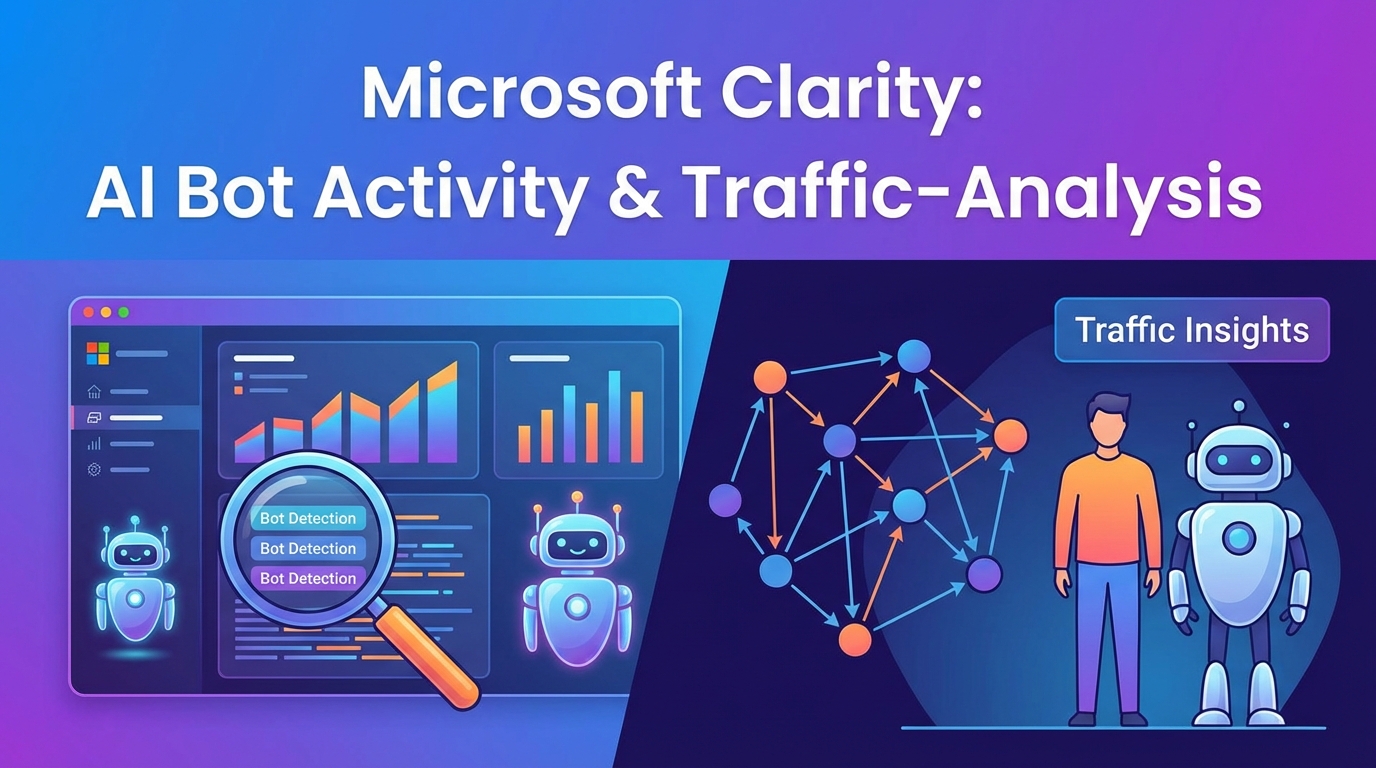
With “AI Bot Activity,”Microsoft unveils a new server-side feature for Clarity that, for the first time, provides transparency into how aggressively AI crawlers and RAG agents are searching your website in the background. By directly analyzing CDN log data, the tool bypasses the blindness of traditional JavaScript trackers and provides publishers with the raw numbers on data leakage to OpenAI or Anthropic. We’ll show you how the integration works and why critics are already calling pure monitoring without a blocking option a “toothless tiger.”
100% visibility instead of unreported cases: While client-side tools such as GA4 ignore AI crawlers due to a lack of JavaScript execution, Clarity captures all HTTP requests at the edge layer via server-side ingestion (e.g., Cloudflare LogPush).
Hidden infrastructure costs: Despite a €0 license fee for Clarity, real expenses arise from data egress and log volume at cloud providers (AWS S3 costs or Cloudflare Enterprise/Pro add-ons).
No protection function: The feature is purely for business intelligence (quantification for license deals) and, unlike Cloudflare Bot Management, has no firewall functionality to actively block crawlers.
24-hour latency: After setting up the pipeline via CDN or WordPress REST API, the dashboard takes a full day before the first data points are visualized under “AI Bot Activity” (beta launch January 2026).
Technology shift: Why server logs are the only truth about LLM traffic
Traditional analytics suites such as Google Analytics 4 (GA4) are virtually blind to AI crawlers. The reason for this is a fundamental architectural flaw in the detection of bot traffic: tools such as GA4 are based on client-side JavaScript. Crawlers such as GPTBot or Claude-Web request the HTML source code of a page, but usually do not execute JavaScript files in order to save resources. The result is a massive number of unreported cases – the traffic takes place (server load), but does not appear in any standard dashboard.
The infrastructure approach: server-side ingestion
With the “AI Bot Activity” feature (beta launch January 2026), Microsoft Clarity bypasses this bottleneck by shifting data collection from the browser level to the server level. Instead of waiting for a bot to cooperate and execute scripts, Clarity taps directly into the logs of content delivery networks (CDN) or web servers.
Technical integration is achieved via specialized pipelines:
Cloudflare: Use LogPush to stream request data directly to a Clarity endpoint.
AWS: Integration via Amazon CloudFront or S3 log export.
WordPress: Direct access to logs via hooks/REST API for self-hosted instances.
This approach not only reveals simple scrapers, but also specifically identifies RAG (retrieval-augmented generation) agents that scan websites in real time to generate responses to user prompts.
Comparison: Client-side vs. server-side tracking
To understand the discrepancy between perceived and actual bot activity, a direct comparison of the detection methods is helpful:
Feature
Client-side tracking (e.g., GA4)
Server-side logging (Clarity AI Visibility)
Trigger
JavaScript execution in the browser
HTTP request on server/edge
Visibility
Only human users & sophisticated browser bots
100% of all requests (human bot)
Data quality
Dependent on ad blockers & script blocking
Raw data (“single source of truth”)
LLM detection
Random (often misinterpreted as “direct” traffic)
Deterministic (via user agent & IP ranges)
New metrics: Upstream signal vs. downstream value
This technological change also forces a rethink in the interpretation of data. Analysts make a strict distinction between two values:
Downstream value (traffic): The classic click of a user on your site (referral). This is not what Clarity primarily measures here.
Upstream signal (data outflow): This is the new core metric. It measures how often content is extracted from LLMs to train models or feed RAG responses.
The dashboard therefore does not show a direct ROI from visitors, but quantifies the information outflow. It answers the technical question: “Which of my URLs serve as training data?” – information that would remain technically invisible without server log ingestion.
To open the “black box” of server-side traffic, we connect Clarity directly to the edge layer. Since the “AI Bot Activity” feature is not based on the client-side JavaScript tag but analyzes server logs, setup via Cloudflare LogPush is the most effective way.
Follow this process to establish the data pipeline:
1. Generate endpoint in Clarity
The first step takes place in the Clarity Dashboard. This generates the target address for the logs.
Navigate to Settings -> AI Visibility.
Select Cloudflare as the provider.
The system generates a unique LogPush endpoint (consisting of a recipient URL and an auth token). Copy these values.
2. Create a Cloudflare LogPush job
Go to your Cloudflare dashboard.
Go to Analytics & Logs -> LogPush.
Create a new “LogPush Job.”
Select the HTTP endpoint as the destination and paste the URL/token combination from step 1.
3. The cost filter (IMPORTANT)
Cloudflare and cloud providers often charge fees based on log volume (ingress/egress). To avoid unnecessary costs, you should not send all traffic (live users are captured via the normal Clarity JS script anyway), but filter specifically for AI agents.
Use filter logic in the LogPush setup that only allows relevant user agents to pass through. An optimized filter saves budget and improves data quality:
Example logic for the LogPush filter:
// Pseudocode for the filter configuration
"filter": "ClientRequestUserAgent contains 'GPTBot'
OR ClientRequestUserAgent contains 'ClaudeBot'
OR ClientRequestUserAgent contains 'Google-Extended'
OR ClientRequestUserAgent contains 'CCBot'"
Note: Microsoft sometimes recommends sending “all logs” for better heuristics, but whitelisting the major LLM crawlers is often sufficient for pure bot detection.
Not every site operator uses Cloudflare Enterprise or Pro with LogPush access. For WordPress setups, Microsoft offers an alternative path:
Here, integration is done directly via the official Clarity plugin.
Technically, the plugin uses WordPress hooks and the REST API to retrieve log data on the server side before it is discarded.
This allows GPTBot and similar bots to be identified even without access to CDN logs, but shifts the load from the edge layer to the web server.
After successful setup (CDN or WordPress), the dashboards take about 24 hours before the first data is visualized under AI Bot Activity.
The most important distinction up front: Microsoft Clarity’s new “AI Bot Activity” feature is not positioned as a security layer, but as a pure business intelligence solution.
Tech leads need to understand that while Clarity can see who is scraping, it is not technically capable of preventing access (no firewall functionality). In contrast, Cloudflare acts as a doorman and GA4 as a user tracker.
Decision matrix: Observability vs. Protection
The following table illustrates the technical differences between the tools:
Feature
Microsoft Clarity (AI Bot Activity)
Cloudflare Bot Management
Google Analytics 4 (GA4)
Primary focus
Observability
Security(protection & mitigation)
Traffic analysis (user behavior)
Data source
Server-side logs (via CDN LogPush)
Edge layer (network level)
Client-side JavaScript (browser)
LLM detection
Specialized(focus on RAG/crawler)
High (but often “black box”)
Low (bots are usually filtered)
Possible actions
None (reporting only)
Block, Managed Challenge, Rate Limit
None
Cost structure
Free (excluding CDN ingress/egress)
High (Enterprise/Pro add-ons)
Free (basic)
Detailed analysis: Differences in workflow
1. Clarity vs. Cloudflare: The “toothless tiger”?
Critics often sarcastically refer to Clarity as a “toothless tiger” because, although the tool identifies LLM crawlers such as GPTBot or Claude-Web in high definition, it does not deny them access.
Cloudflare Bot Management actively intervenes: if it detects a scraper, it can play a managed challenge (CAPTCHA) or block the IP.
Clarity, on the other hand, uses log-based analysis. It only processes the data after the request has already taken place (server-side logs). So it doesn’t allow publishers to prevent theft, but rather to quantify it.
2. Clarity vs. GA4: The JavaScript problem
Google Analytics 4 is unsuitable for bot detection because it is based on the client-side JavaScript tag.
Most AI crawlers (scrapers) do not execute JavaScript in order to save resources.
These visitors are practically invisible to GA4 (“ghost traffic”).
Since Clarity imports server logs (from Amazon CloudFront, Fastly, or Cloudflare) for this feature, it also captures 100% of the bots that GA4 ignores for technical reasons.
Strategic benefit: Data valuation instead of firewall
Why use Clarity if it doesn’t protect you? The use case lies in data valuation for license negotiations.
Similar to the deals between Axel Springer or Reddit and OpenAI, publishers need reliable metrics:
Volume: What percentage of my server load is caused by AI training?
Value: Which specific high-value URLs are used by RAG (retrieval-augmented generation) agents to generate responses?
Clarity provides the metrics for the basis of negotiation, while Cloudflare takes care of the technical implementation.
The “toothless tiger”: analysis without defense
The biggest criticism from tech communities (including r/SEO and r/webdev) hits the core of the functionality: Microsoft Clarity offers pure observability, not mitigation. Although the tool visualizes in detail which LLM crawlers visit the site, it has no firewall functionality to stop them.
Critics therefore often refer to the feature as a “toothless tiger.” While security suites such as Cloudflare Bot Management can initiate active countermeasures (block, CAPTCHA, rate limiting), Clarity merely provides the bitter realization. One Reddit user summed it up sarcastically: “You can now see in HD how your content is being stolen, but you have no recourse.”
The cost trap: Why “free” can be expensive
Although Microsoft Clarity itself does not charge any license fees (€0), the technical architecture incurs significant infrastructure costs. Since the feature is based on server-side logs, data must be exported from the CDN (e.g., Cloudflare, AWS CloudFront) to Microsoft.
This is where the hidden costs lurk:
Cloudflare: Using LogPush often requires Enterprise or Pro plans with corresponding add-ons.
AWS / CloudFront: Exporting logs incurs S3 storage costs and data egress fees.
Scaling effect: On a site with high bot traffic (which often only becomes visible through Clarity), the log volume explodes. An aggressive scraping wave can thus unexpectedly lead to a hefty cloud bill for log ingestion.
The “access != attribution” trap
A fundamental error in interpreting the data is equating data outflow (access) with value creation (attribution). Just because a bot like GPTBot or Claude-Web accounts for 45% of activity according to the dashboard does not mean that the website is cited as a source in ChatGPT.
This is purely an upstream signal: the data is being tapped. Whether this leads to “downstream value” (traffic through source citations in AI responses) remains completely unclear.
Data protection concerns (GDPR)
For technical reasons, Clarity shifts tracking from the client (user’s browser) to the server. Server logs, including IP addresses and user agents, are sent to Microsoft. In strict EU data protection scenarios, this raises questions:
Is the anonymization aggressive enough before the data reaches Microsoft’s servers?
How is PII (personally identifiable information) prevented from being transmitted to Microsoft in the URL parameters of the logs?
This makes a re-examination by the data protection officer (DPO) unavoidable, even if Clarity was already in use.
Conclusion
With “AI Bot Activity,” Microsoft Clarity finally delivers what Google Analytics 4 fails to do: the naked truth about server traffic. It ends the era of “ghost traffic,” in which AI crawlers consume resources unnoticed. But let’s keep things in perspective: Clarity is currently a diagnostic tool, not a cure. The feature is the proverbial “toothless tiger” – it shows you in 4K resolution how your content is being accessed, but doesn’t give you the tools to prevent theft. It’s business intelligence for a new era, not a security suite.
Who is it for?
Implement it if you are a publisher or content-heavy: If your text is your product, you need to know who is training it. This data is your ammunition for future license negotiations (à la Reddit/OpenAI) or to justify exploding server costs internally.
Don’t do it if you’re a pure e-commerce operator or SME: If, at the end of the day, you’re only interested in conversion rates of real people, this feature is noise. The technical hurdle (LogPush configuration) and hidden infrastructure costs are disproportionate to the benefits if you don’t have a content strategy for LLMs.
Next step:
Don’t fall into the cost trap. Before you “enable everything,” calculate the ingress/egress fees with your cloud provider. Start with a strictly filtered LogPush (only GPTBot, Claude, etc.) to get a feel for the volume.
The outlook:
We are seeing a shift from “traffic analysis” to “data evaluation.” GA4 measures the value of visitors, and Clarity now measures the value of training data. If you don’t measure, you can’t negotiate later. Use Clarity for the overview, but continue to rely on Cloudflare for protection.
To provide the best experiences, we use technologies like cookies to store and/or access device information. Consenting to these technologies will allow us to process data such as browsing behavior or unique IDs on this site. Not consenting or withdrawing consent, may adversely affect certain features and functions.
Functional
Always active
The technical storage or access is strictly necessary for the legitimate purpose of enabling the use of a specific service explicitly requested by the subscriber or user, or for the sole purpose of carrying out the transmission of a communication over an electronic communications network.
Preferences
The technical storage or access is necessary for the legitimate purpose of storing preferences that are not requested by the subscriber or user.
Statistics
The technical storage or access that is used exclusively for statistical purposes.The technical storage or access that is used exclusively for anonymous statistical purposes. Without a subpoena, voluntary compliance on the part of your Internet Service Provider, or additional records from a third party, information stored or retrieved for this purpose alone cannot usually be used to identify you.
Marketing
The technical storage or access is required to create user profiles to send advertising, or to track the user on a website or across several websites for similar marketing purposes.