Related to multiple guides. For full context, see our AI Agents Guide & Google Gemini Guide.
How AI Rockstars evaluates this update
AI Rockstars evaluates Google Gemini CLI: New AI terminal agent available for developers by checking official product information, availability, pricing or cost impact, workflow relevance, integration depth, and whether the update changes a practical decision for teams. This article should be read as an AI-news explainer: verify current access, terms, and model behavior before using the tool in production.
What should readers do next?
Use this post to understand the update, then compare it with the broader Google Gemini guide and the AI Rockstars planning tools. For business use, check whether the tool improves quality, saves time, reduces cost, or adds integration risk before rolling it into a workflow.
Which official sources should readers compare?
(npm install -g @google/gemini-cli) and requires Node.js version 18 or higher.
Technical architecture and extensibility
The Model Context Protocol (MCP) enables the integration of user-defined tools and data sources. Developers can create their own MCP servers and extend the system for specific use cases. Integrated Google search grounds Prompts with current web data and external information.
Built-in features include codebase analysis through the large context window, automated rebase operations, and text-to-image web application creation. The Apache 2.0 license ensures full transparency and enables code inspection and community modification.
Competitive position and market classification
Google positions Gemini CLI against Anthropics Claude Code and OpenAI’s Codex CLI through free access and open source transparency. 76% of developers already use or plan to use AI coding assistants, according to the Stack Overflow Survey. Terminal-native design addresses productivity hurdles by reducing context switching between development environments.
Integration with VS Code via Gemini Code Assist creates a unified developer experience. Enterprises can scale via Code Assist licenses or Vertex AI billing, while the Apache license provides confidence in proprietary environments.
Executive Summary
-
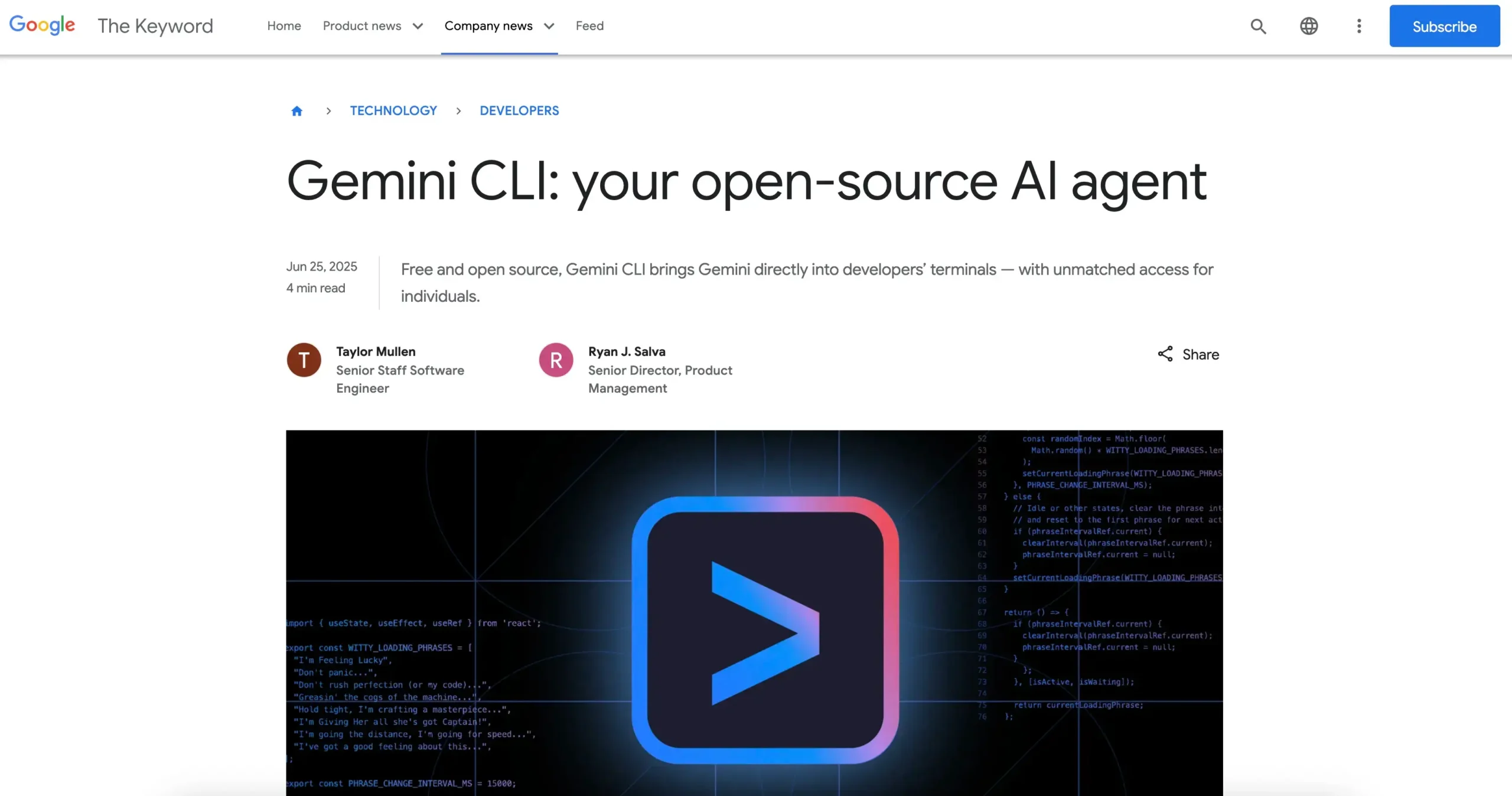
- Google releases Gemini CLI as a free open source AI agent for terminal development
- 1 million token context window enables full codebase analysis with Gemini 2.5 Pro
- Multimodal functions for text, image and video generation available directly in the terminal
- Free use with 60 requests/minute and 1,000 daily requests for individual developers
- Model Context Protocol allows extension with user-defined tools and data sources
- Apache 2.0 license ensures full code transparency and community contributions
- Integration with Google Search for up-to-date web data and external information sources
- Competitive position against Claude Code and Codex CLI through free open source approach
- Enterprise scaling possible via Code Assist licenses and Vertex AI integration
- Development start via npm installation with Node.js 18 and Google account authentication
Read also: Google counters with “Deep Research”: Gemini 3 Pro Agent for developers
AI Rockstars verdict
TL;DR: Gemini CLI is a strong developer-intent topic connecting terminal workflows, coding agents, and Google AI.
Editorial recommendation: Keep this page indexable as a supporting cluster asset and refresh it after material product changes.
Indexing decision
| Factor | Decision | Why it matters |
|---|---|---|
| Cluster value | High | This page strengthens terminal agents and AI coding workflows. |
| Search intent | Technical or product research | The topic maps to a recognizable product, platform, model, or workflow. |
| Maintenance | Refresh on material changes | Keep capabilities, availability, and positioning current. |
FAQ
Why is Gemini CLI relevant?
Gemini CLI is relevant because it connects to terminal agents and AI coding workflows.
How should teams evaluate Gemini CLI?
Evaluate workflow fit, output quality, integrations, reliability, cost, security, and governance.
Is the article a current buying guide?
Use it as strategic context and verify current product details, pricing, and availability before decisions.