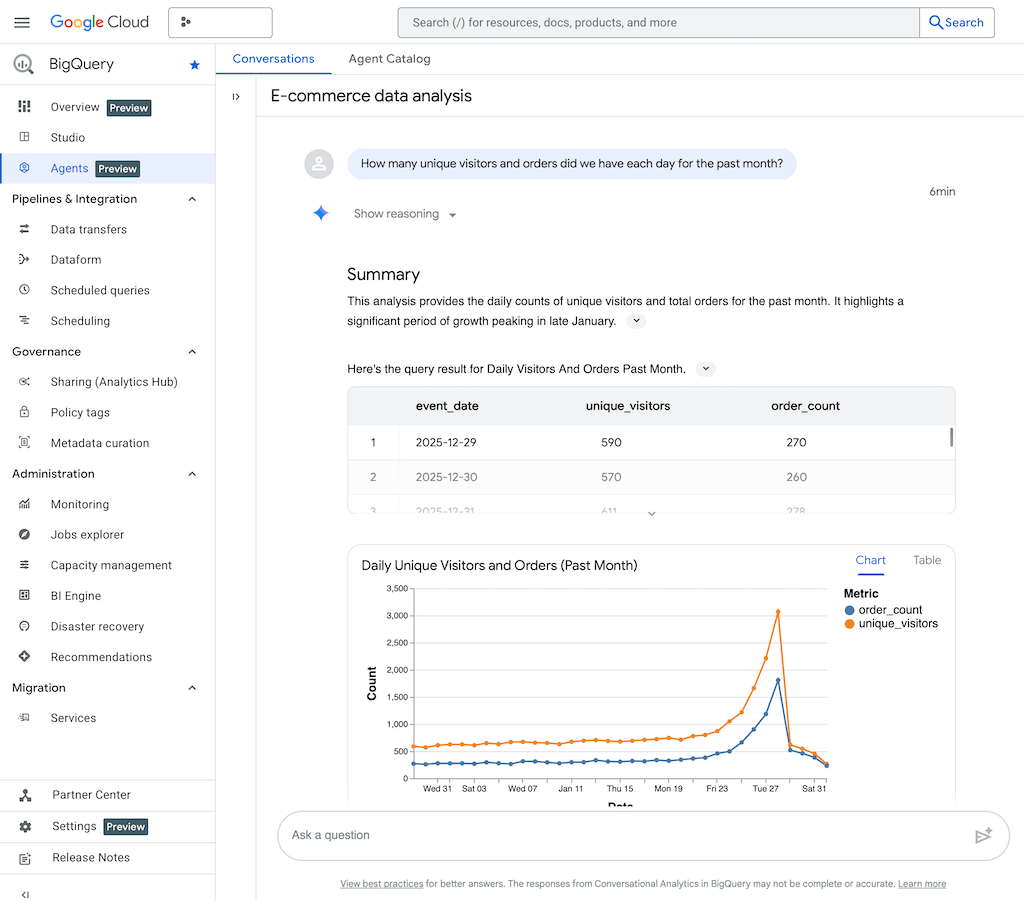
Natural language meets data: Conversational Analytics in BigQuery takes AI-powered data queries to a whole new level. Thanks to Agents Hub and Gemini for Google Cloud, data experts can perform complex analyses directly via chat—without any SQL knowledge.
Summary: Conversational Analytics in Google BigQuery
- What is it about? Conversational Analytics enables direct analysis of data with natural language queries in Google BigQuery.
- Advantages: AI-powered data agents remember query context, generate SQL/Python code, output results as text, charts, or code, and support business logic via verified queries.
- Who can use this feature? Business users, data scientists, developers – available as a preview for customers with BigQuery access and appropriate permissions for generative AI/ML features.
- Available since: Preview availability from the end of 2025 (see GCP Release Notes).
- Integration: Can be used in BigQuery Studio, via Conversational Analytics API, Looker, and Dataplex. Access to public datasets, centrally controllable governance.
- More info: https://cloud.google.com/blog/products/data-analytics/introducing-conversational-analytics-in-bigquery
Conversational Analytics: Easily query and analyze data via chat
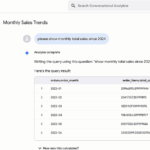
With Conversational Analytics in BigQuery, data can be analyzed directly via chat (often known as “Talk to your Data” or “AI Analytics Chat”). The feature uses Google Gemini and enables natural language input via text or microphone instead of technically complex SQL queries.
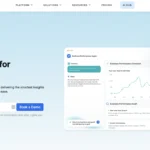
The central feature is the new Agents Hub in the “Conversations” tab: Here, you can create data agents that retain context across multiple queries, such as filters, time periods, or specific business rules. This means that repeated, incremental analyses no longer have to start from scratch.
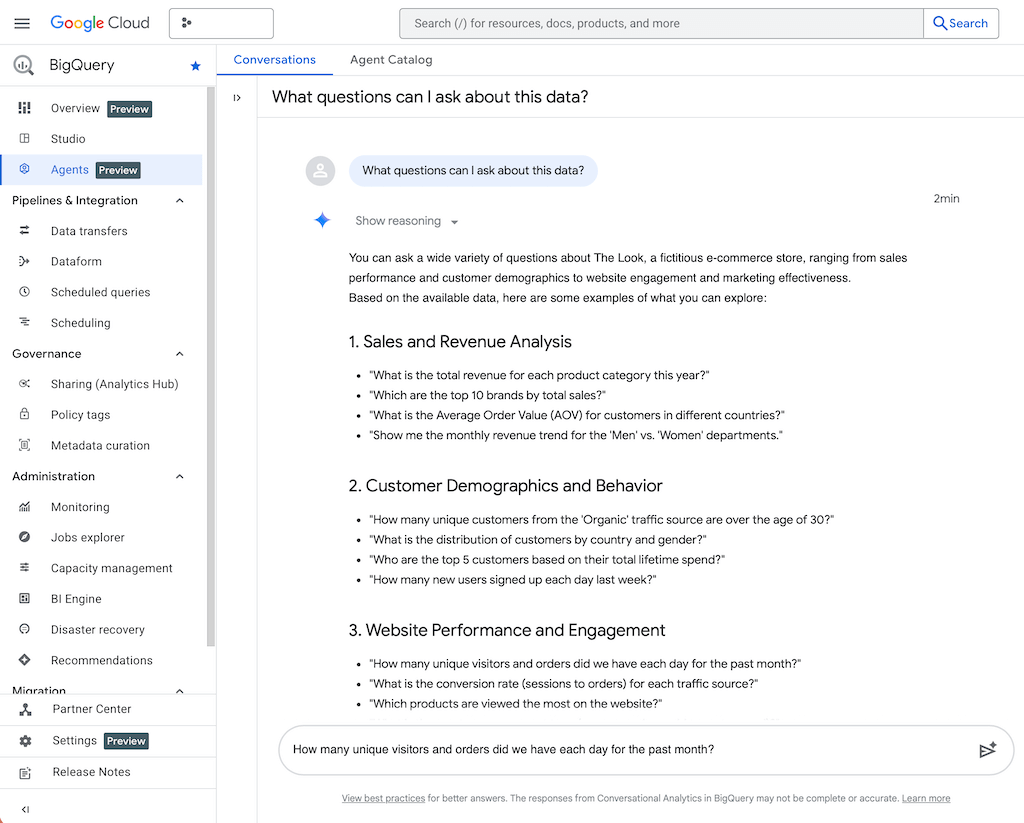
Chat output with tables, charts, and evaluations
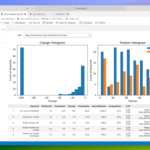
A practical feature is that the results are not only displayed in text form but also clearly illustrated in charts and tables. This allows data to be analyzed directly via chat, even without dashboards.
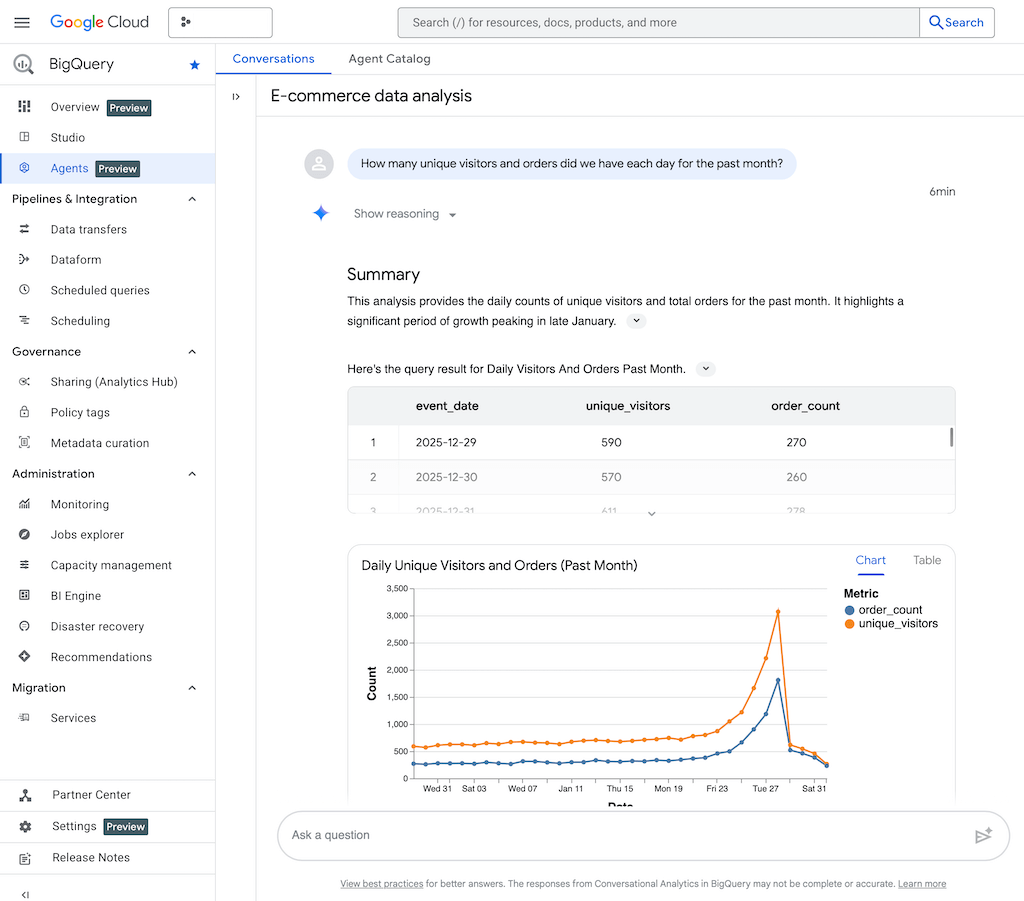
How Google Conversational Analytics works in BigQuery
The data chat is structured as a multi-agent system. You create a data agent by giving it a system prompt (e.g., “You are an e-commerce data analyst”) and data access (e.g., only e-commerce data). In the system prompt, you can give detailed instructions that better prepare the agent for its specific task.
This allows you to create an entire team of data agents that specialize in specific areas of responsibility. The agents can contact each other and thus independently arrive at a better solution, e.g., for complex tasks involving many data sources or special analyses such as forecasts.
YouTube video: Conversational Analytics API (Google)
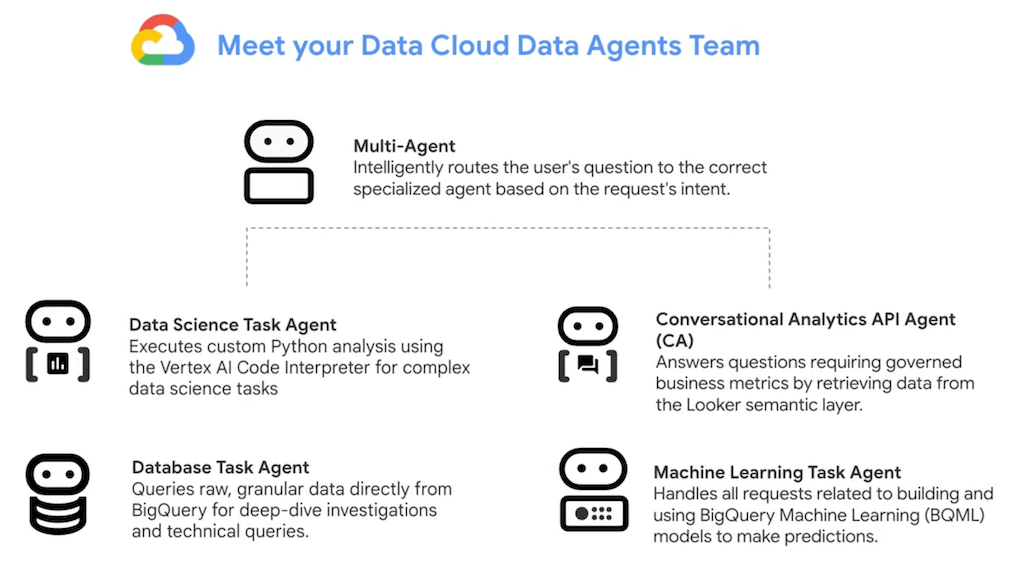
Integrate AI chat via code with the Conversational Analytics API
Conversational Analytics is available in BigQuery Studio and via API. The Google API documentation provides many examples of how to integrate Conversational Analytics into your own applications via code using the API. Here you will find a Streamlit demo project, PHP/Java/Python sample code, and more:
https://docs.cloud.google.com/gemini/docs/conversational-analytics-api/overview
Follow your company’s guidelines: Verified Queries, Multi-Turn Context & Business Rules
Data agents can be equipped with so-called verified queries (formerly “golden queries”), which can map company-specific logic, synonyms, business areas, and pre-filters. Especially in regulated environments, this enables secure use—including central controllability and governance.
Multi-turn conversations keep context in mind, which simplifies the analysis of trends/time series. Additional functions provided by the SQL-based machine learning functions BigQuery ML allow predictions (e.g., forecasts with Arima), anomaly detection, or AI text generation directly from the chat.
Governance, flexibility, and use cases for businesses
Users benefit from dynamic access control, centralized auditing, and flexible provisioning of individual agents, e.g., for different departments. Companies that want to establish self-service analytics for business users will find real advantages here:
Advantages:
- Less dashboard development
- Accelerated knowledge gain
- Compliance with regulatory requirements.
The main use cases for the new AI chat feature are:
- Fast ad hoc analyses by business users instead of IT database specialists
- BI analyses based on business models for all data stored in the BigQuery data warehouse
- Simplifying complex analyses, e.g., forecasts, anomaly detection
Comparison: Analytics chat features at Microsoft vs. Google Cloud
Google:
- Cost: Conversational Analytics was previously a premium feature of the Google Looker platform. It has now been integrated as a preview feature free of charge.
- AI response quality: You can improve the AI response quality via prompt in Data Agent.
- Compliance: The compliance features in particular offer strong integration into the company with high data quality.
Microsoft:
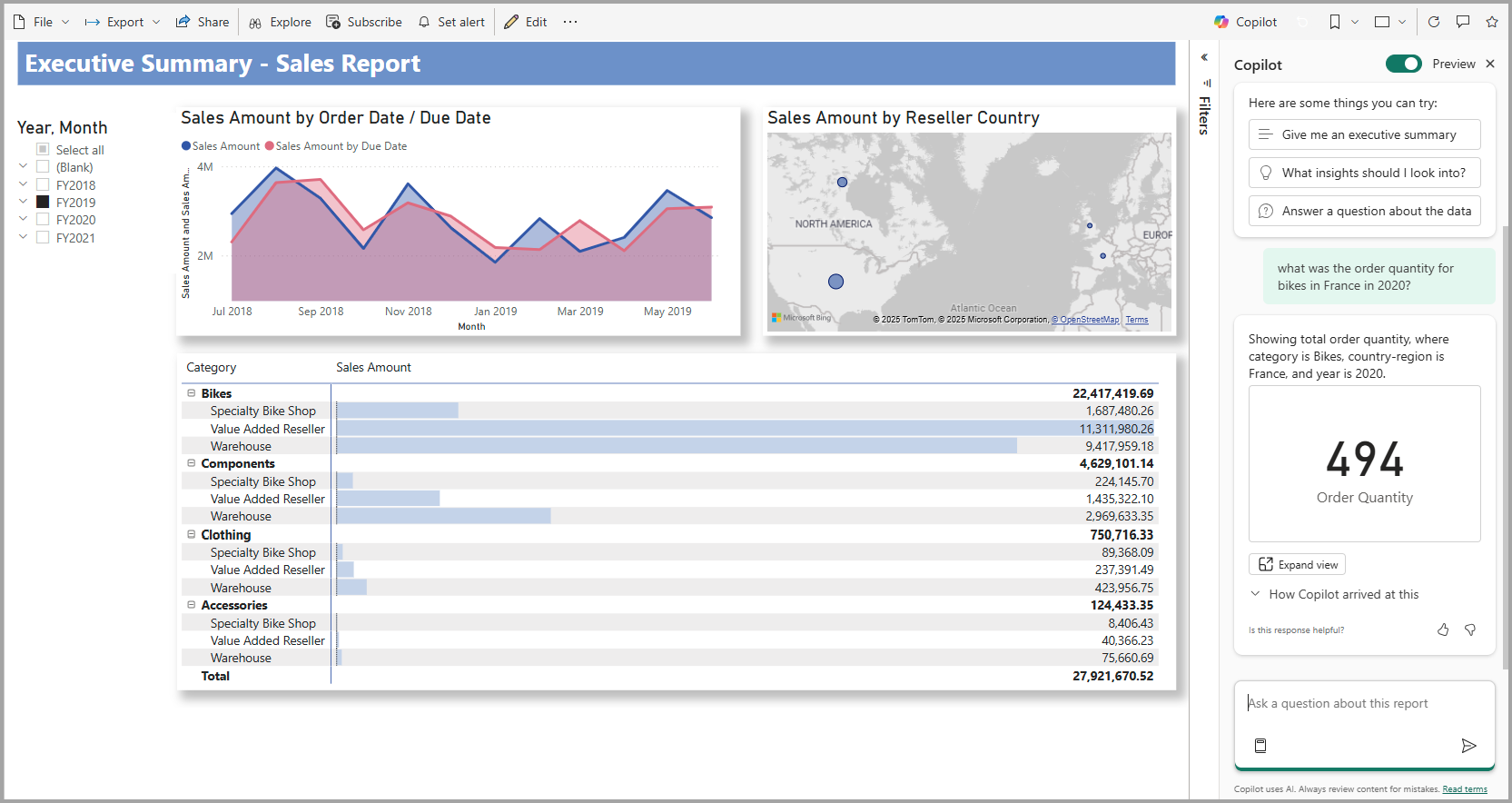
- Cost: Those who use the Power BI reporting solution with a more expensive Microsoft Fabric instance (F64 or Power BI Premium) can use a similar data chat functionality.
- AI response quality: To improve AI response quality , you can add information to the data model, such as synonyms. For example, users can ask for “orders last month” or “orders in the last month” and receive valid results for both queries.
- Compliance: The chat features are integrated into Copilot for Power BI, allowing you to create chat analyses directly in the dashboard. One particular advantage is Microsoft’s sophisticated enterprise security in the Microsoft stack.
https://learn.microsoft.com/en-us/power-bi/create-reports/copilot-ask-data-question
Summary / TL;DR
- Conversational Analytics: AI agents for natural data queries can be used directly in BigQuery
- Features: Multi-turn dialogs, verified queries, ML integration (forecast/anomaly), multimodal responses
- For whom: Business users, data scientists, and developers – accessible via Studio, API, Looker, Dataplex
- Governance: Central control, auditing, custom agents, access management
- Status: In preview since late 2025