
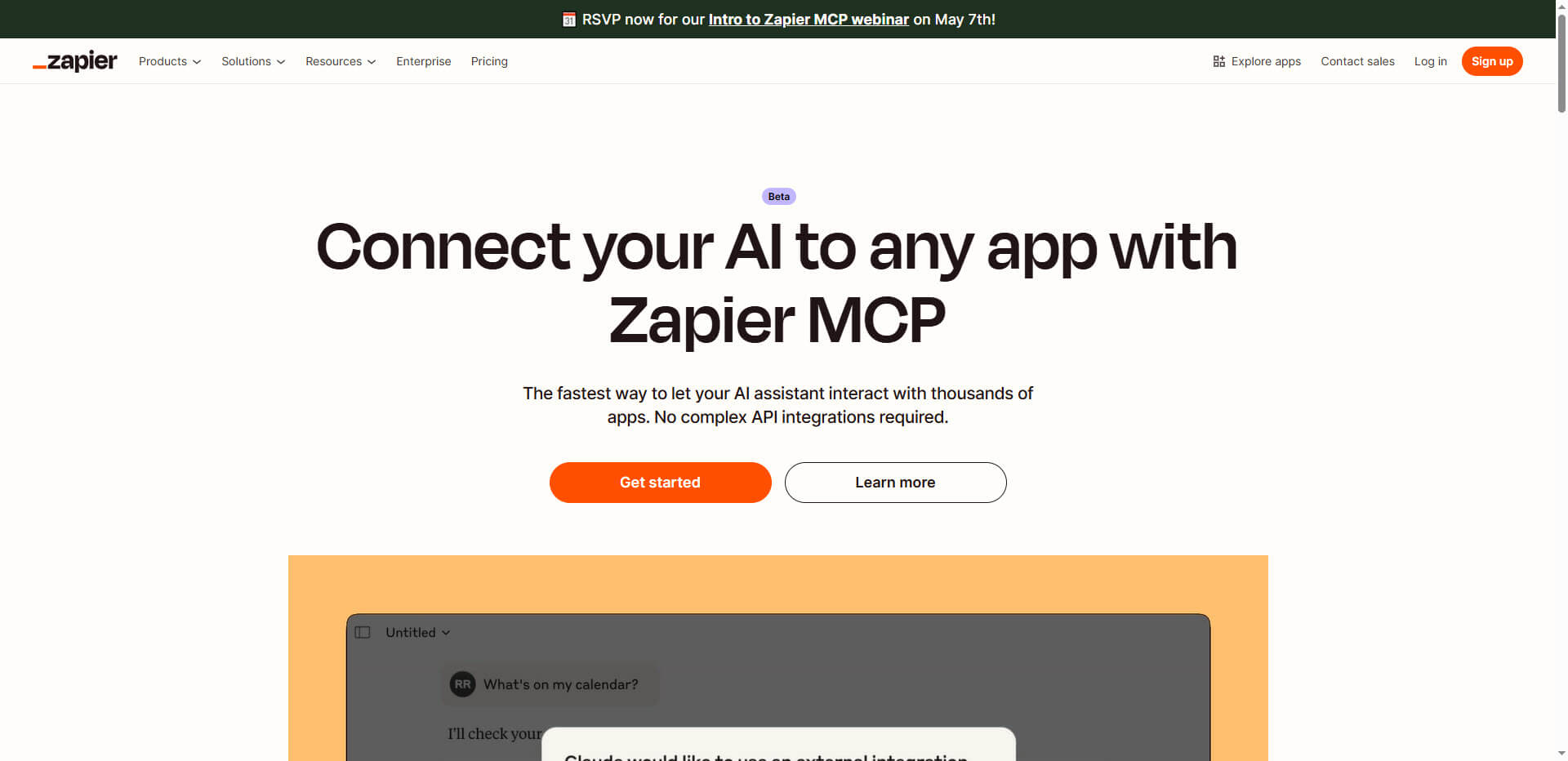
Zapier MCP offers AI assistants such as Claude Desktop or code editors direct access to more than 7,000 applications via chat. Simply click.
AI Articles & Tutorials

Our tutorials show step by step how to use AI technologies — from prompt engineering to AI programming and the use of smart tools for automation
Effective midjourney prompting techniques for better results

Targeting mid-journey prompts can make the difference between mediocre and impressive results. Use these proven techniques to optimize your queries and get exactly the images you envision.
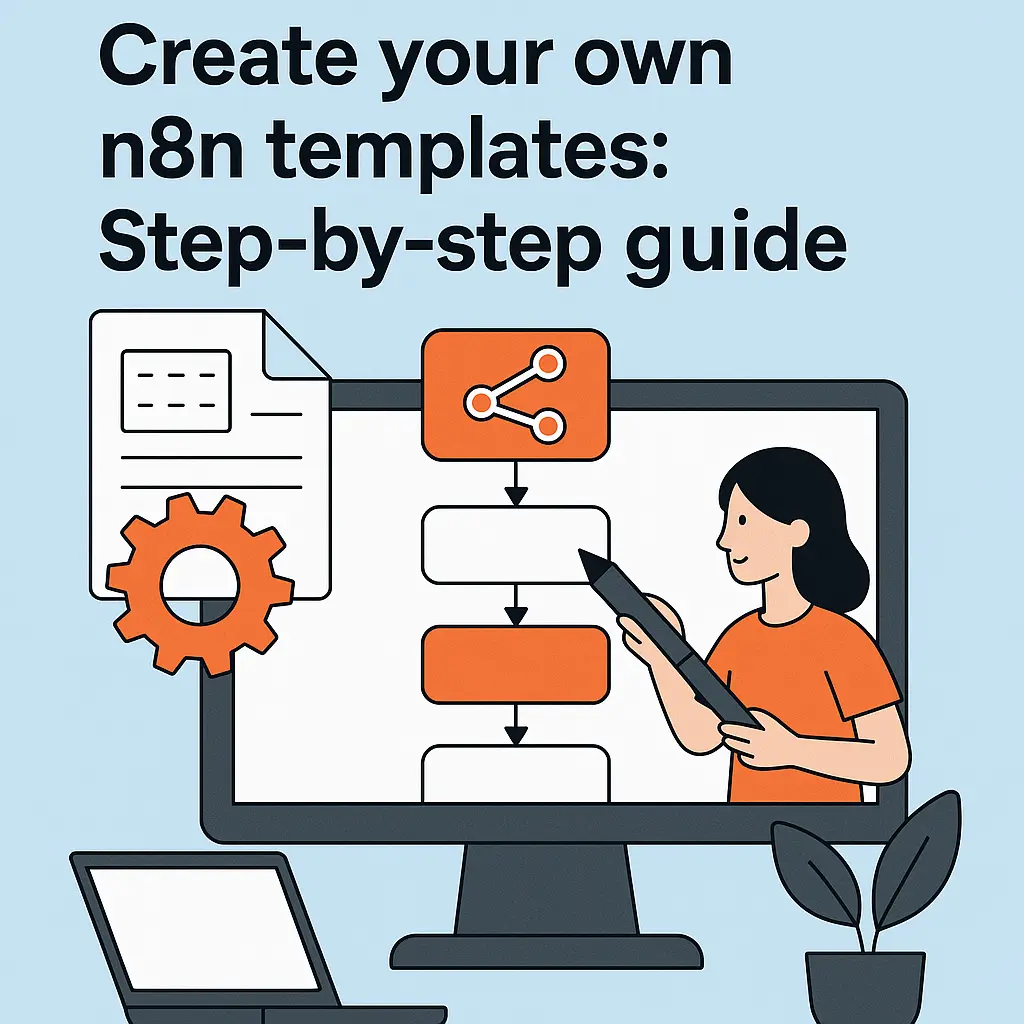
Create your own n8n templates: Step-by-step guide
TL;DR
Creating n8n templates — the short version For inspiration, check out our curated list of the 10 best n8n workflow templates.
- Start with a working workflow: Build and fully test your automation before turning it into a template. A template built on a broken workflow will fail for everyone who uses it.
- Use variables, not hard-coded values: Replace API keys, email addresses, and environment-specific settings with variables or clearly marked placeholders so others can configure the template without editing JSON manually.
- Document everything: Add sticky notes inside the workflow and write a setup guide covering required credentials, configuration steps, and known edge cases. This is what makes the difference between a template and a puzzle.
- Test from a clean import: Import your exported JSON into a fresh workflow and follow only your own docs to verify that a new user can get it running without help.
- Publish and get feedback: Share via n8n.io/workflows or GitHub. Community feedback reveals blind spots and helps you build a reputation as an automation expert.
Teams that template their most-used workflows cut development time by 30–60% and onboard new members faster — the investment pays off by the third similar workflow you build.
In this guide, you will learn how to create your own n8n templates to standardize workflows for you and your team and save time. These templates are particularly valuable if you regularly set up similar automations. If you’re new to n8n, start with our guide on how n8n workflow automation works.
The 7 most effective prompting techniques for AI applications in 2025
Communicating effectively with AI systems requires more than just asking questions. The following prompting techniques will help you achieve more precise results and realize the full potential of AI applications in your everyday work.
n8n templates for RAG systems: Efficient workflow structure
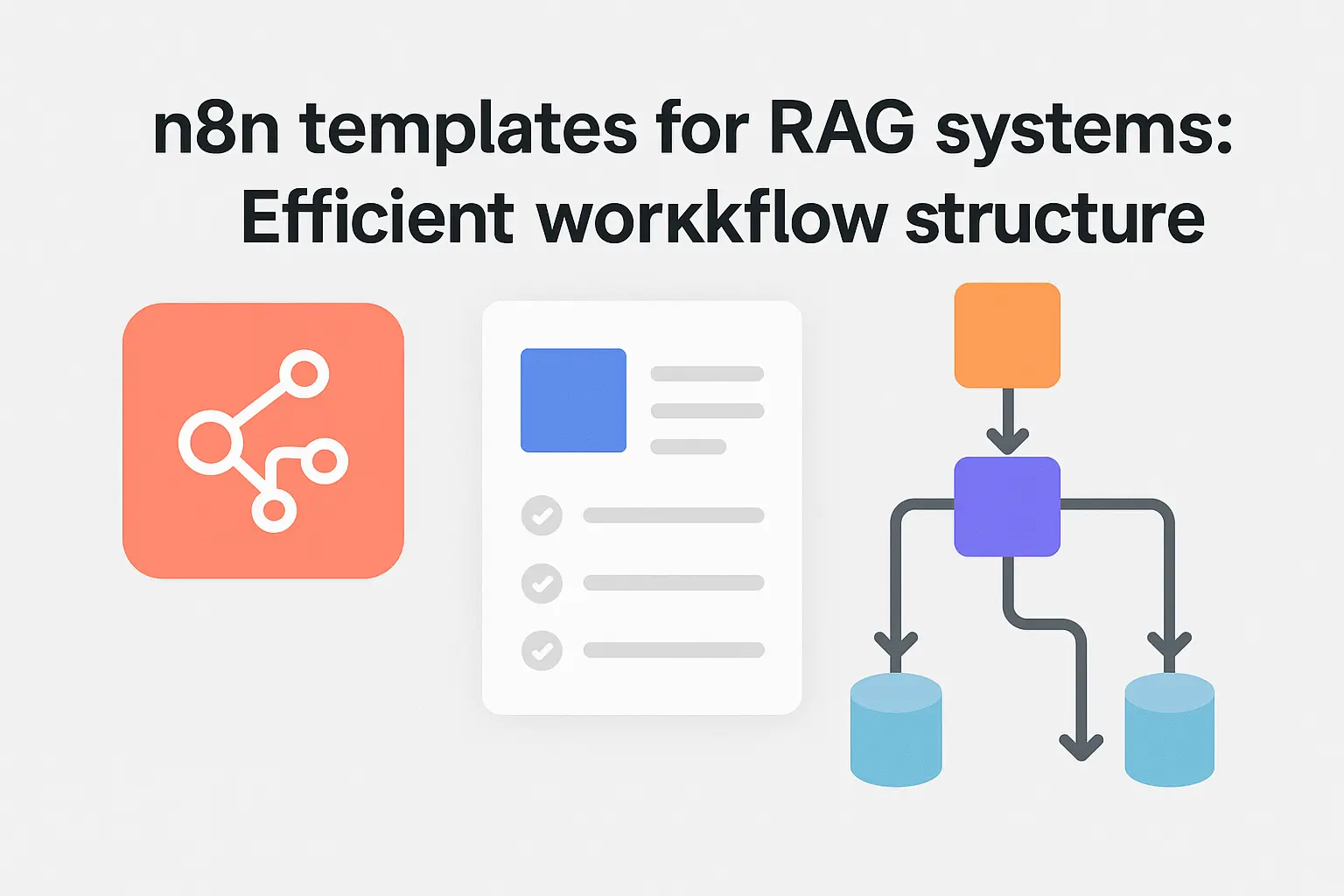
This summary shows you how to set up efficient RAG (Retrieval Augmented Generation) systems with n8n templates and optimize your workflow – without in-depth technical knowledge or programming effort.
Overview: Vector databases for AI projects

TL;DR
Vector databases store data as high-dimensional vectors (embeddings), enabling semantic search — finding results by meaning, not just keywords.
- Core use case: Power RAG systems, recommendation engines, and semantic search
- Top options: Pinecone (managed), Weaviate (open source), ChromaDB (lightweight), Qdrant (Rust-based)
- How it works: Text → Embedding model → Vector → Stored in DB → Similarity search via cosine/dot product
Bottom Line: If you’re building any AI application that needs to search or retrieve information, you need a vector database.
If you want to create AI applications such as a semantic search, you need a suitable vector database. These make embeddings available at lightning speed and scale better than classic SQL or NoSQL stores. We present popular options from SaaS to open source – including strengths, costs and typical use cases.
The 10 best n8n workflow templates for automation
n8n workflow templates significantly accelerate your automation work by providing preconfigured solutions for common business processes. With the right templates, you can immediately become more productive without having to create every automation from scratch. To understand the engine behind these workflows, read how n8n works under the hood.
n8n functions at a glance: What workflow automation offers
n8n is a powerful workflow automation platform that is characterized by its flexible open source architecture and intuitive interface. The following key points give you an overview of the most important functions and possible applications: The visual workflow creation allows you to connect different services by simple drag-and-drop without any programming knowledge, which greatly simplifies … Read more
Prompting in German: The ultimate guide to AI instructions
This guide will help you to get better results from AI systems with prompts in German. The following key points will show you how you can make the most of the special features of the German language for your AI instructions. German prompts now work excellently with modern AI models and often deliver more precise … Read more
How n8n works: Detailed insight into workflow automation
TL;DR How n8n works — in 60 seconds Node-based engine: Every automation step is a visual node — trigger, action, or logic. You connect them on a canvas like a flowchart, no code required. JSON data flow: Nodes pass structured JSON to each other. You can inspect, filter, and transform this data in real time … Read more